Arrow module
Published on January 1, 2023
By xxxhades
👁️🗨️ 170
34
★
★
★
★
★
Rate it
Description
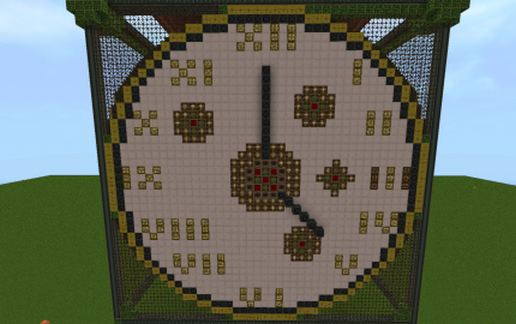
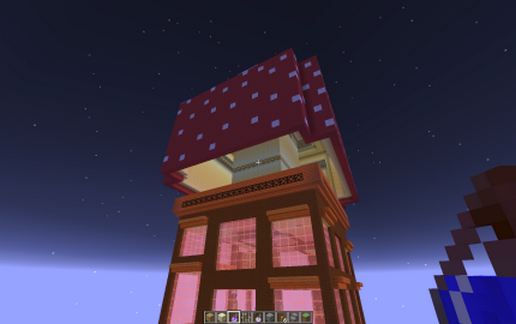
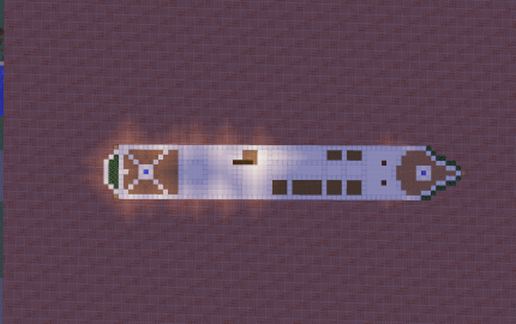
That module can be used to build large buildings, connecting it in row, a bit moved, making great effects or, only, transform it in a single house with a little changes. Im working in a large building from this, but if you post you would like a house, ill make it too.
One of the new features respect the old ones is the use of natural resources and the abundance of crops, making it a autosustentable house for servers, for example and, if you use mods, would be useful to put solar panels, etc above it. So, there are infinite uses! (Is furnished, as waited)
One of the new features respect the old ones is the use of natural resources and the abundance of crops, making it a autosustentable house for servers, for example and, if you use mods, would be useful to put solar panels, etc above it. So, there are infinite uses! (Is furnished, as waited)
Download: Arrow module schematic for Minecraft
| Format | Size | Use with | |
|---|---|---|---|
.litematic arrow-module.litematic |
38.65 KB | Litematica (Java) — more Litematica schematics |
|
.schem arrow-module.schem |
2.78 KB | WorldEdit / FAWE |
|
.schematic arrow-module.schematic |
7.60 KB | Legacy / online installer |
|
| Install this build directly on your Minecraft map |
|
||
Auto-converted from the original format; container contents (chests, signs) may be missing.
📘 How to use with Litematica (click to expand)
- Put the downloaded
.litematicfile into the.minecraft/schematics/folder. - In game, press M to open the Litematica menu and choose Load Schematics.
- Select the file in the list and click Load Schematic.
- Position the placement where you want it and build — or paste it instantly in creative with Easy Place mode.
Requires the Litematica mod (Java Edition).
More builds: Litematica schematics.
Comments
Similar