Infinite Piston Lift Bridge
Published on January 1, 2023
By Mikeoz28
👁️🗨️ 191
31
★
★
★
★
★
Rate it
Screenshots
Description
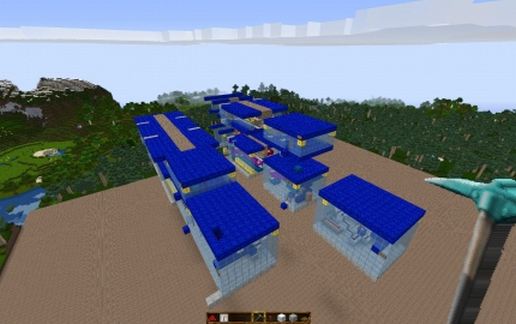
Here on Magrathea a little while ago Slartibartfast and I had an order from the White Mice for a new bridge to be installed underwater on Naboo. Initial specs were 3 wide and 30 long with a lift of 2 but main control must be able to be 10 or more under water blocks under water. While we were considering this they dropped a bombshell. There will be other orders they said but "we want a guarantee that you will produce any length we want or we will take our business to the Vogons". We thought about it and said "your saying infinite"! "Hell yeah" was the immediate response "glad your'e on the same wavelength".
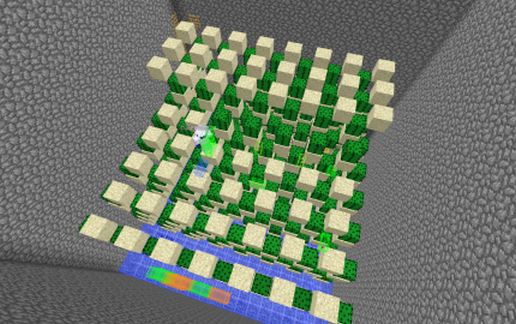
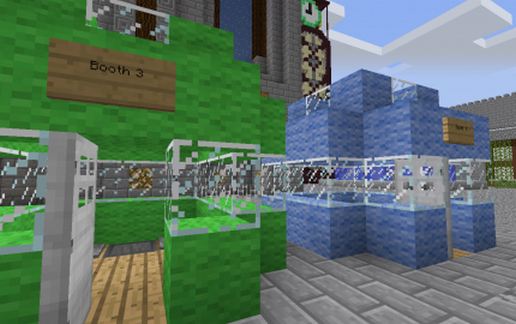
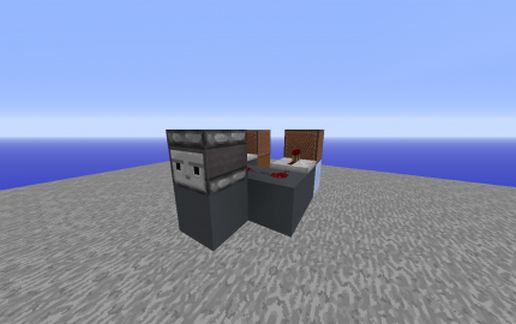
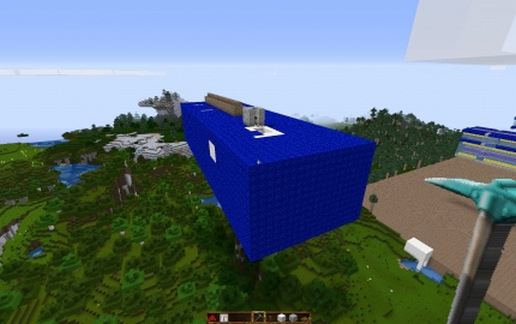
After some thought and advice we agreed yes such a bridge or wall for that matter can be any length. Modules were made in order to plug together and satisfy the spec. The following pictures show the install on Naboo, Construction on Magrathea and the packaged bridge for delivery. It rises about 20 seconds after sunrise and sinks 20 seconds after sunset.
As delivered it has a East West orientation and if you need to rotate it look at the signs in the delay module. There will be a need for attention. Use the lower door furthest from the pistons.
The rest of this will be released shortly with explanation for each module and credit to others where it is due. You want a bridge a 1000 long? We on Magrathea can deliver.
After some thought and advice we agreed yes such a bridge or wall for that matter can be any length. Modules were made in order to plug together and satisfy the spec. The following pictures show the install on Naboo, Construction on Magrathea and the packaged bridge for delivery. It rises about 20 seconds after sunrise and sinks 20 seconds after sunset.
As delivered it has a East West orientation and if you need to rotate it look at the signs in the delay module. There will be a need for attention. Use the lower door furthest from the pistons.
The rest of this will be released shortly with explanation for each module and credit to others where it is due. You want a bridge a 1000 long? We on Magrathea can deliver.
Download: Infinite Piston Lift Bridge schematic for Minecraft
| Format | Size | Use with | |
|---|---|---|---|
.litematic infinite-piston-lift-bridge.litematic |
52.77 KB | Litematica (Java) — more Litematica schematics |
|
.schem infinite-piston-lift-bridge.schem |
2.26 KB | WorldEdit / FAWE |
|
.schematic infinite-piston-lift-bridge.schematic |
4.22 KB | Legacy / online installer |
|
| Install this build directly on your Minecraft map |
|
||
Auto-converted from the original format; container contents (chests, signs) may be missing.
📘 How to use with Litematica (click to expand)
- Put the downloaded
.litematicfile into the.minecraft/schematics/folder. - In game, press M to open the Litematica menu and choose Load Schematics.
- Select the file in the list and click Load Schematic.
- Position the placement where you want it and build — or paste it instantly in creative with Easy Place mode.
Requires the Litematica mod (Java Edition).
More builds: Litematica schematics.
Comments
Similar