Medieval House-Inn-Apartments
Published on January 1, 2023
By 3ProngGaming
👁️🗨️ 275
683
★
★
★
★
★
Rate it
Screenshots
Description
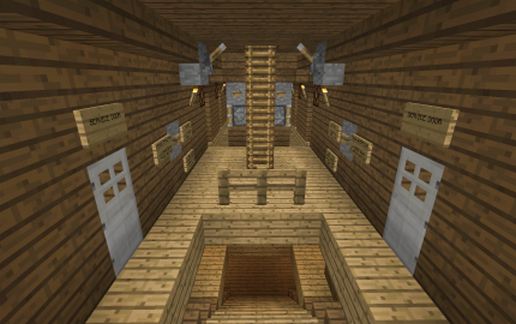
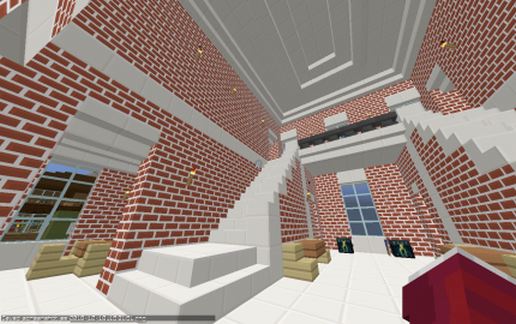
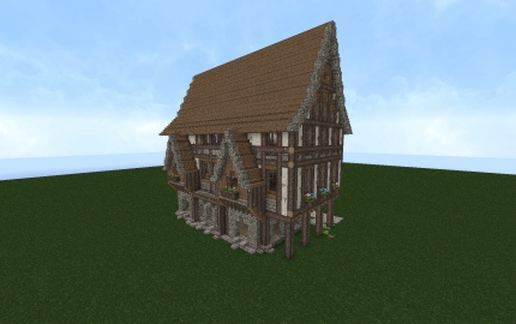
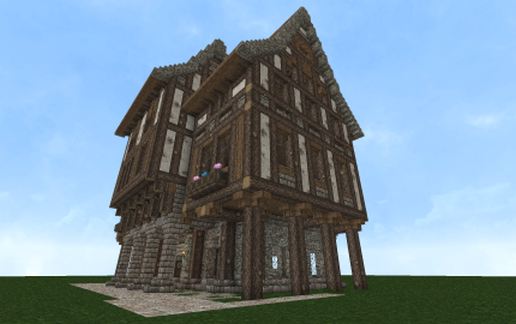
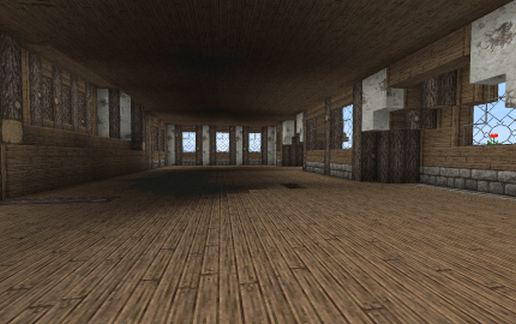
Although I labeled this "Medium" size, it is on the larger-medium size imo (I've seen people list big arse castles as medium.) All the detail is on the outside, I've done no (except floors) interior work, which I did on purpose. With the size of this building you could use it for many things, including just a large ass house in your world or throw it on your server, add some walls, download the bukkit mod MineEstates and rent out or sell off each room individually! You could also do the same thing but make this a "mall" rather than an Inn or Apartments and rent out the shops!
Features 4 large/comfortable floors - I haven't even added the stairs (again, on purpose to give you full interior creative control.)
This took me several hours to put together today so a 5-star rating is always appreciated!
I was/am using the resource pack Conquest while using McPatcher with connected textures and additional meta-textures enabled (metacycler mod installed.)
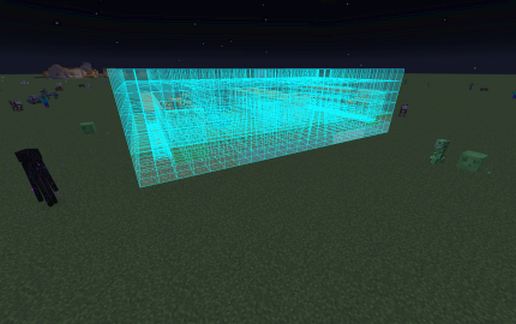
I was facing SOUTH while copying this and like always, I am standing in the far front/left corner 3 blocks away (put 3 blocks in front of you, press up against it then paste.) Property will begin under 3rd (furthest) block.
Features 4 large/comfortable floors - I haven't even added the stairs (again, on purpose to give you full interior creative control.)
This took me several hours to put together today so a 5-star rating is always appreciated!
I was/am using the resource pack Conquest while using McPatcher with connected textures and additional meta-textures enabled (metacycler mod installed.)
I was facing SOUTH while copying this and like always, I am standing in the far front/left corner 3 blocks away (put 3 blocks in front of you, press up against it then paste.) Property will begin under 3rd (furthest) block.
Download: Medieval House-Inn-Apartments schematic for Minecraft
| Format | Size | Use with | |
|---|---|---|---|
.litematic medieval-house-inn-apartments.litematic |
41.41 KB | Litematica (Java) — more Litematica schematics |
|
.schem medieval-house-inn-apartments.schem |
3.04 KB | WorldEdit / FAWE |
|
.schematic medieval-house-inn-apartments.schematic |
3.27 KB | Legacy / online installer |
|
| Install this build directly on your Minecraft map |
|
||
Auto-converted from the original format; container contents (chests, signs) may be missing.
📘 How to use with Litematica (click to expand)
- Put the downloaded
.litematicfile into the.minecraft/schematics/folder. - In game, press M to open the Litematica menu and choose Load Schematics.
- Select the file in the list and click Load Schematic.
- Position the placement where you want it and build — or paste it instantly in creative with Easy Place mode.
Requires the Litematica mod (Java Edition).
More builds: Litematica schematics.
Comments
Similar