HarbourShops
Published on September 29, 2026
👁️🗨️ 21
1
★
★
★
★
★
Rate it
Screenshots
Description
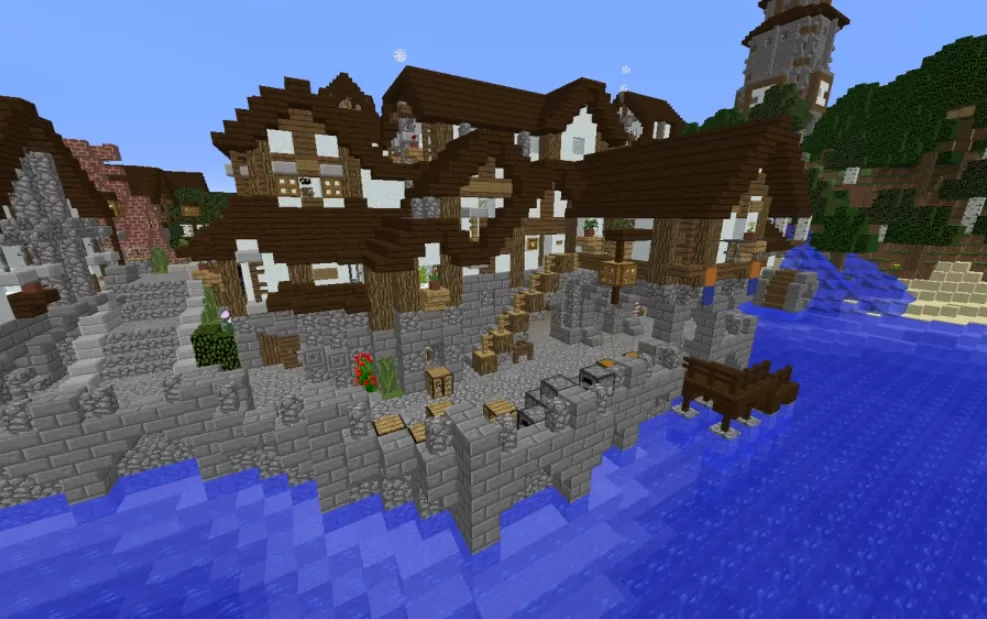
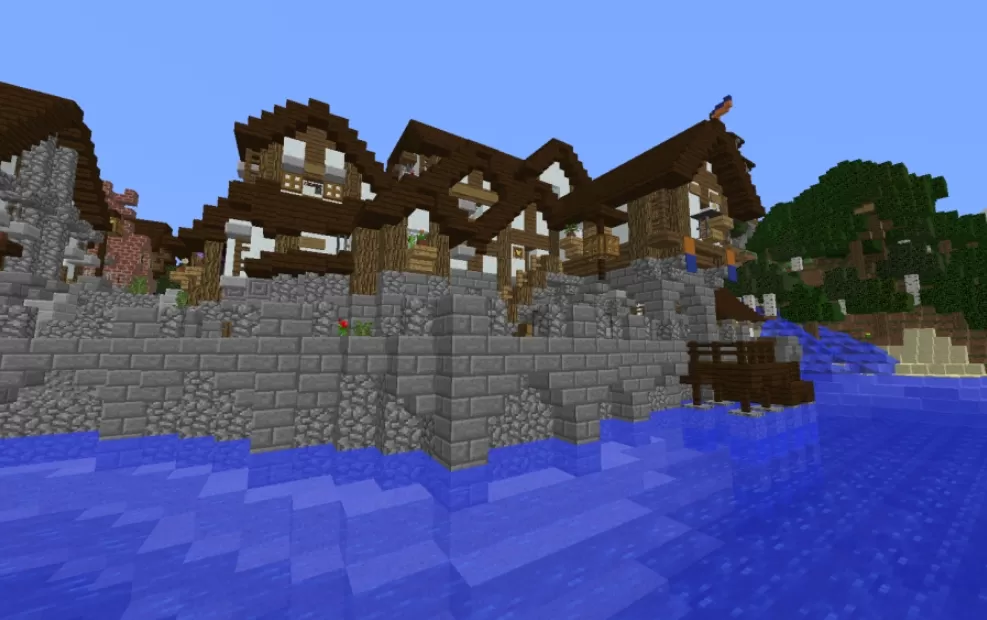
This schematic is a row of harbour shops in half-timbered medieval style, standing on a tall stone seawall that rises straight out of the water. The buildings have white plaster walls crossed by dark wooden beams, steep roofs set at different heights, and upper floors that lean out over the level below. Flower boxes, small balconies, and hanging signs break up the facades, and a short wooden jetty reaches out over the water at one end.
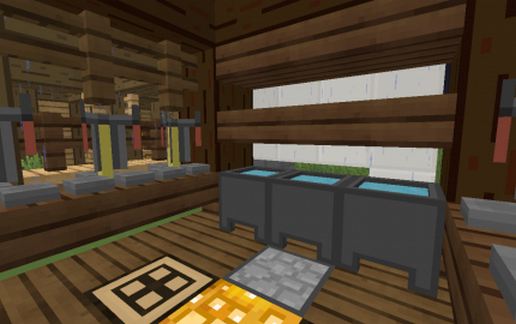
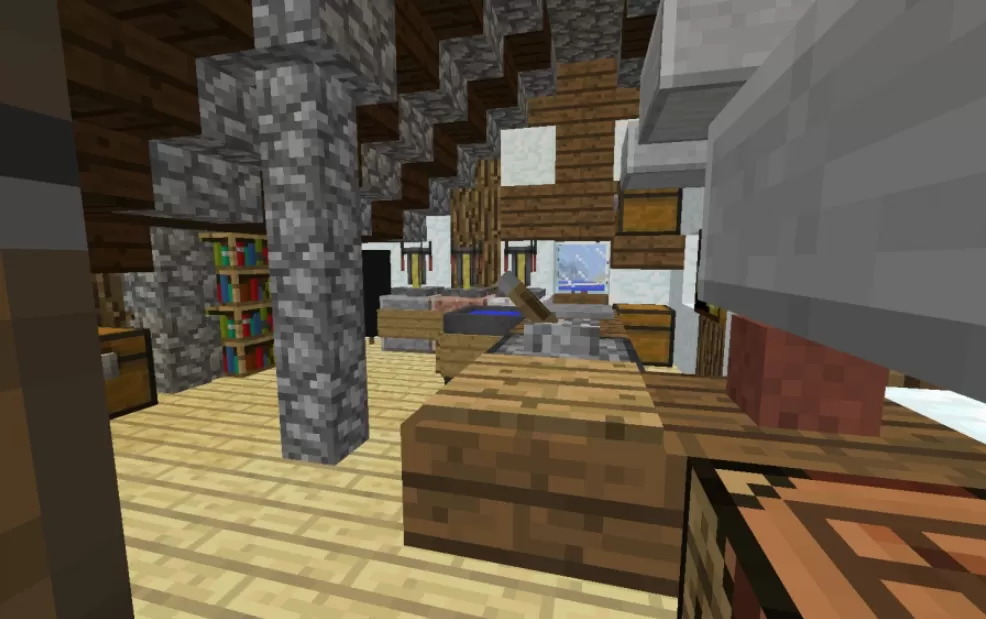
The stone terrace in front of the shops serves as the trading area, with crates and barrels stacked along the wall, benches, lanterns, work stations, and beds of red flowers. Stairs link it to the buildings above, so the two levels work as one space. Inside, a shop interior has a plank floor, stone pillars running up to the ceiling beams, a bookshelf against the wall, and counters with goods shown off in item frames, which makes the whole row feel like a working port town rather than an empty set of houses.
The stone terrace in front of the shops serves as the trading area, with crates and barrels stacked along the wall, benches, lanterns, work stations, and beds of red flowers. Stairs link it to the buildings above, so the two levels work as one space. Inside, a shop interior has a plank floor, stone pillars running up to the ceiling beams, a bookshelf against the wall, and counters with goods shown off in item frames, which makes the whole row feel like a working port town rather than an empty set of houses.
Download: HarbourShops schematic for Minecraft
| Format | Size | Use with | |
|---|---|---|---|
harbourshops-e19-9807.schematic |
|
||
| Install this build directly on your Minecraft map |
|
||
📘 How to use with Litematica (click to expand)
- Put the downloaded
.litematicfile into the.minecraft/schematics/folder. - In game, press M to open the Litematica menu and choose Load Schematics.
- Select the file in the list and click Load Schematic.
- Position the placement where you want it and build — or paste it instantly in creative with Easy Place mode.
Requires the Litematica mod (Java Edition).
More builds: Litematica schematics.
Comments
Similar