Town/City Hall
Published on July 10, 2026
👁️🗨️ 3563
670
★
★
★
★
★
Rate it
Screenshots
Description
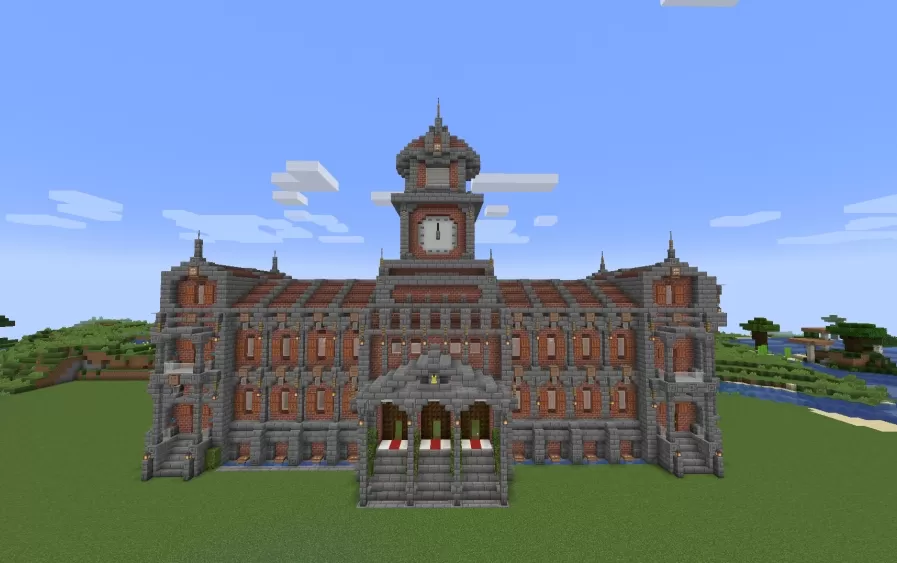
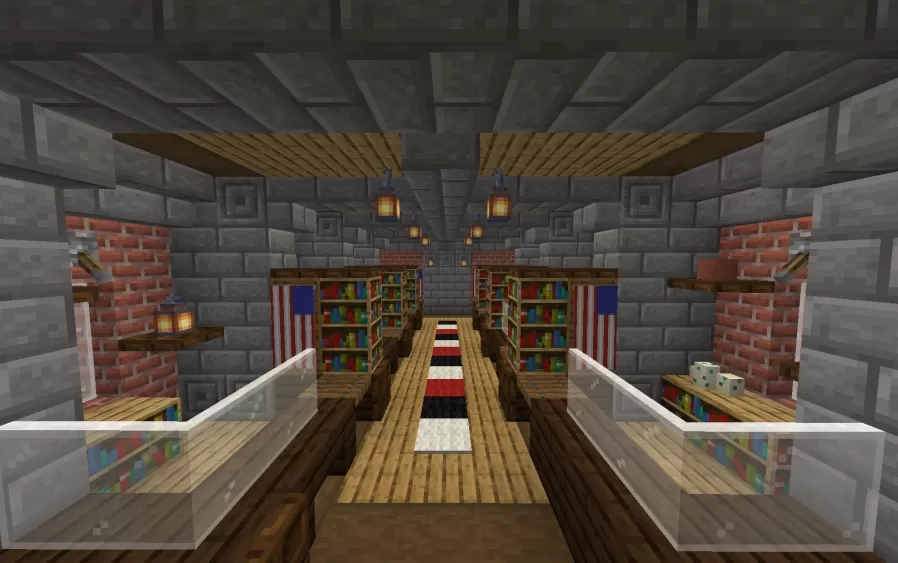
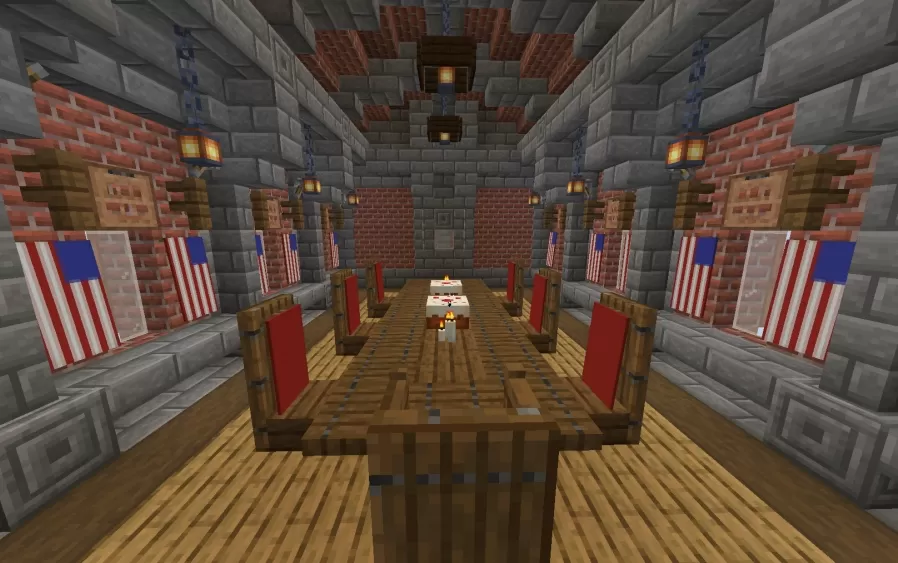
This schematic features a large three-story town hall built from red brick and gray stone, with a formal civic character that comes through in every detail. The facade is lined with rows of arched stone-framed windows, small gold accents placed at the upper level, and a central clock tower above the entrance capped with a domed lantern roof, tall spire, and working clock face. Smaller corner towers with pointed golden spires anchor the roofline at each end, while the ground-floor entrance is marked by a triangular stone gable on columns, with arched doorways and vines creeping along the stonework beside them.
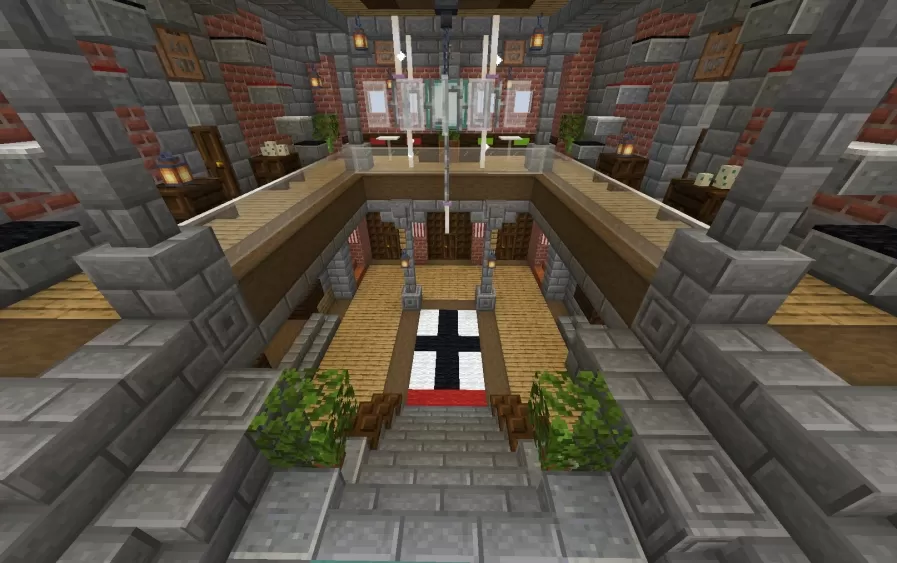
The interior holds several distinct rooms, each with its own atmosphere. The main meeting hall has the feel of a working civic space - rows of red-backed chairs arranged around a long central table, brick walls hung with chain lanterns, and flag-styled banners decorating the room. A second hall functions as a library or reading room, with bookshelves and desks lining the walls, a striped red, white, and black carpet running down the center, and glass railings defining the walkway. A grand staircase near the entrance connects the floors, rising to an open balcony overlooking the hall below, with potted plants at the base and more banners framing the walls above.
The interior holds several distinct rooms, each with its own atmosphere. The main meeting hall has the feel of a working civic space - rows of red-backed chairs arranged around a long central table, brick walls hung with chain lanterns, and flag-styled banners decorating the room. A second hall functions as a library or reading room, with bookshelves and desks lining the walls, a striped red, white, and black carpet running down the center, and glass railings defining the walkway. A grand staircase near the entrance connects the floors, rising to an open balcony overlooking the hall below, with potted plants at the base and more banners framing the walls above.
Download: Town/City Hall schematic for Minecraft
| Format | Size | Use with | |
|---|---|---|---|
.litematic town/city-hall.litematic |
52.77 KB | Litematica (Java) — more Litematica schematics |
|
.schem town/city-hall.schem |
13.02 KB | WorldEdit / FAWE |
|
.schematic town/city-hall.schematic |
8.14 KB | Legacy / online installer Older format: about 13% of the blocks are replaced with their closest pre-1.13 lookalikes. |
|
| Install this build directly on your Minecraft map |
|
||
Auto-converted from the original format; container contents (chests, signs) may be missing.
📘 How to use with Litematica (click to expand)
- Put the downloaded
.litematicfile into the.minecraft/schematics/folder. - In game, press M to open the Litematica menu and choose Load Schematics.
- Select the file in the list and click Load Schematic.
- Position the placement where you want it and build — or paste it instantly in creative with Easy Place mode.
Requires the Litematica mod (Java Edition).
More builds: Litematica schematics.
Comments
Similar