Train Station
Published on May 24, 2026
👁️🗨️ 3333
294
★
★
★
★
★
Rate it
Screenshots
Description
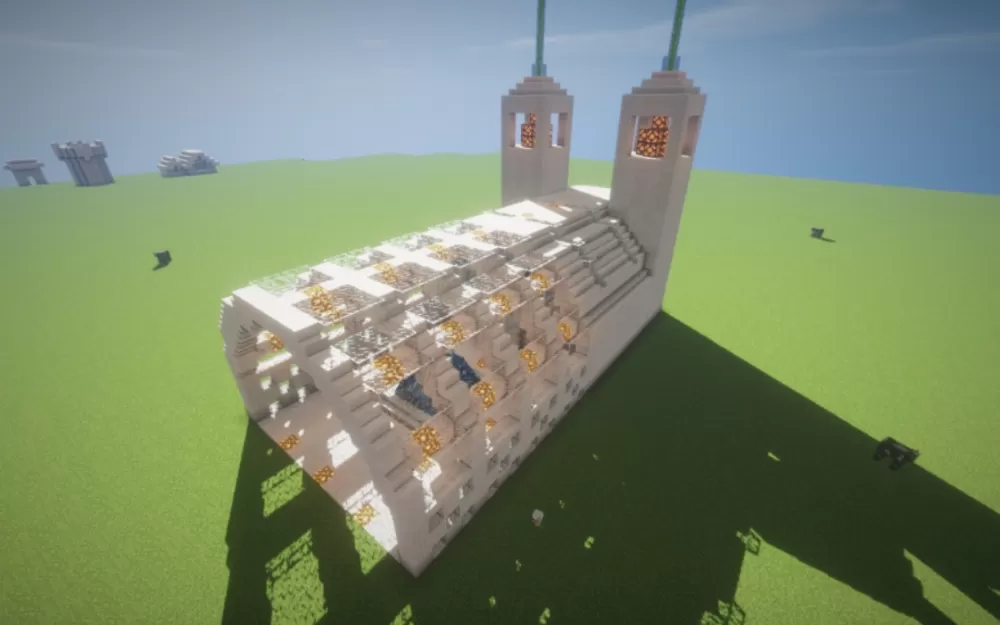
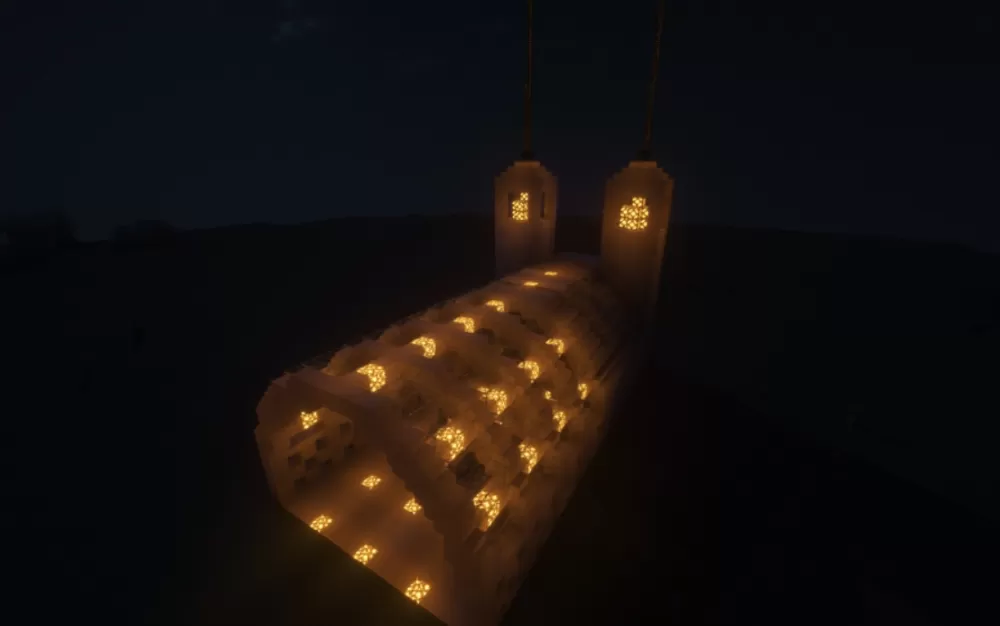
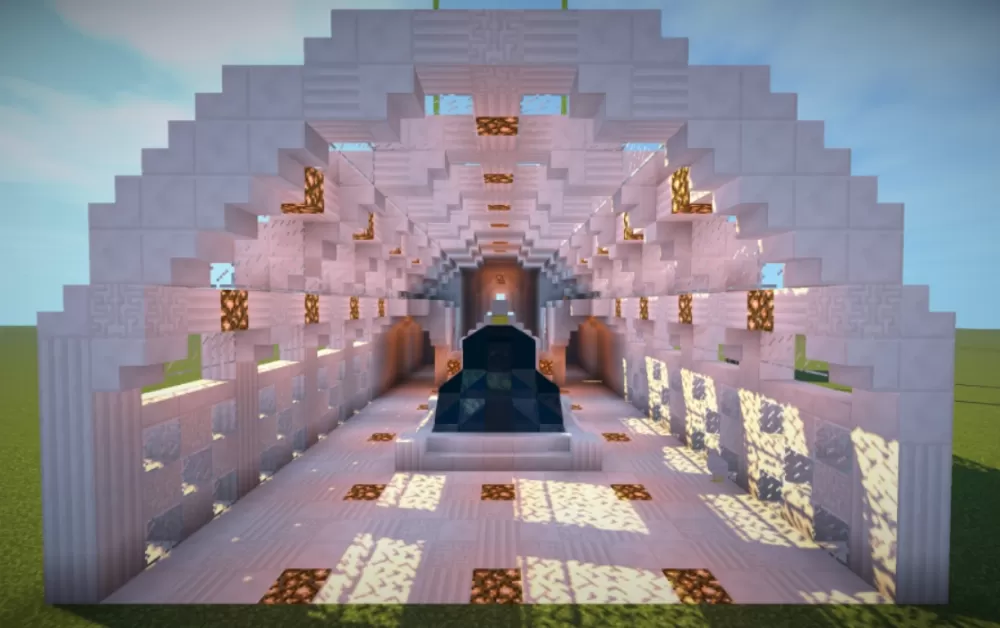
This schematic presents a train station building featuring distinctive barrel-vaulted architecture with a curved roof design constructed from stone materials. The structure includes two tall tower elements at one end, each topped with glowstone lighting fixtures that illuminate the station entrance. The main building uses a combination of white and gray stone blocks to create the rounded roof profile, with dark wood accents providing structural framing along the vault sections. Multiple glowstone light sources are integrated throughout the roof surface and within the towers, providing illumination for passengers during nighttime operations.
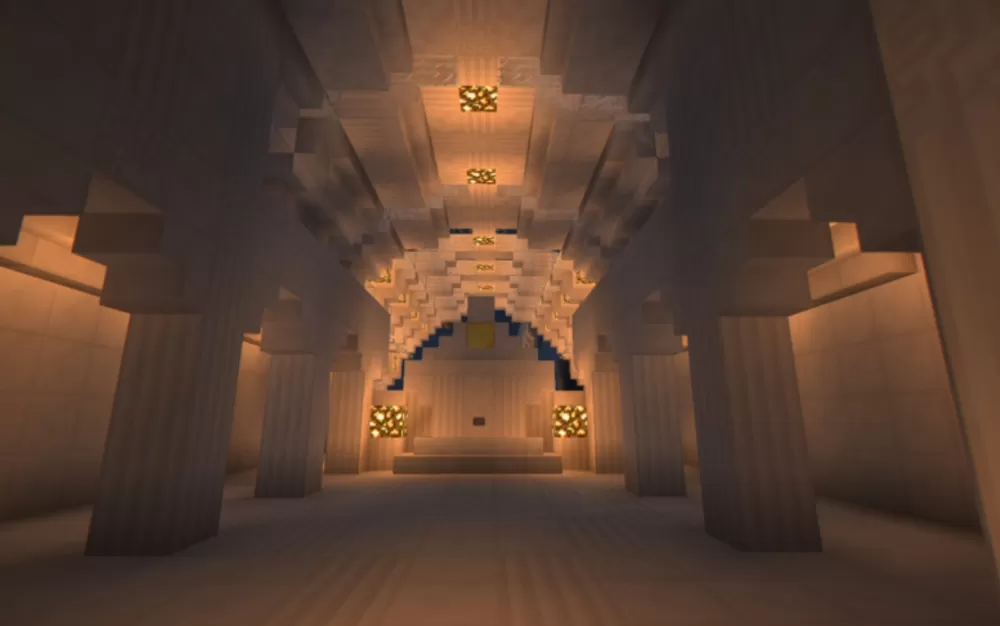
The interior showcases a spacious vaulted hall with exposed ceiling supports and ambient lighting from glowstone fixtures recessed into the ceiling. Thick pillars line the sides of the hall, creating a colonnade that supports the curved roof structure above. The far end features an altar-like platform structure, suggesting the space can serve multiple purposes beyond basic transportation. The station design includes open archways for track access and passenger flow. This schematic works excellently for railway networks in survival worlds, transportation hubs in city builds, or as architectural landmarks where period architecture adds character. The covered platform design protects waiting passengers from weather while the grand interior provides a dignified space for travel facilities, making it ideal for multiplayer servers with minecart systems or creative builds focused on infrastructure and public architecture.
The interior showcases a spacious vaulted hall with exposed ceiling supports and ambient lighting from glowstone fixtures recessed into the ceiling. Thick pillars line the sides of the hall, creating a colonnade that supports the curved roof structure above. The far end features an altar-like platform structure, suggesting the space can serve multiple purposes beyond basic transportation. The station design includes open archways for track access and passenger flow. This schematic works excellently for railway networks in survival worlds, transportation hubs in city builds, or as architectural landmarks where period architecture adds character. The covered platform design protects waiting passengers from weather while the grand interior provides a dignified space for travel facilities, making it ideal for multiplayer servers with minecart systems or creative builds focused on infrastructure and public architecture.
Download: Train Station schematic for Minecraft
| Format | Size | Use with | |
|---|---|---|---|
.litematic train-station.litematic |
43.47 KB | Litematica (Java) — more Litematica schematics |
|
.schem train-station.schem |
1.79 KB | WorldEdit / FAWE |
|
.schematic train-station.schematic |
2.13 KB | Legacy / online installer |
|
| Install this build directly on your Minecraft map |
|
||
Auto-converted from the original format; container contents (chests, signs) may be missing.
📘 How to use with Litematica (click to expand)
- Put the downloaded
.litematicfile into the.minecraft/schematics/folder. - In game, press M to open the Litematica menu and choose Load Schematics.
- Select the file in the list and click Load Schematic.
- Position the placement where you want it and build — or paste it instantly in creative with Easy Place mode.
Requires the Litematica mod (Java Edition).
More builds: Litematica schematics.
Comments
Similar