T-Rex
Published on May 15, 2026
👁️🗨️ 2691
342
★
★
★
★
★
Rate it
Screenshots
Description
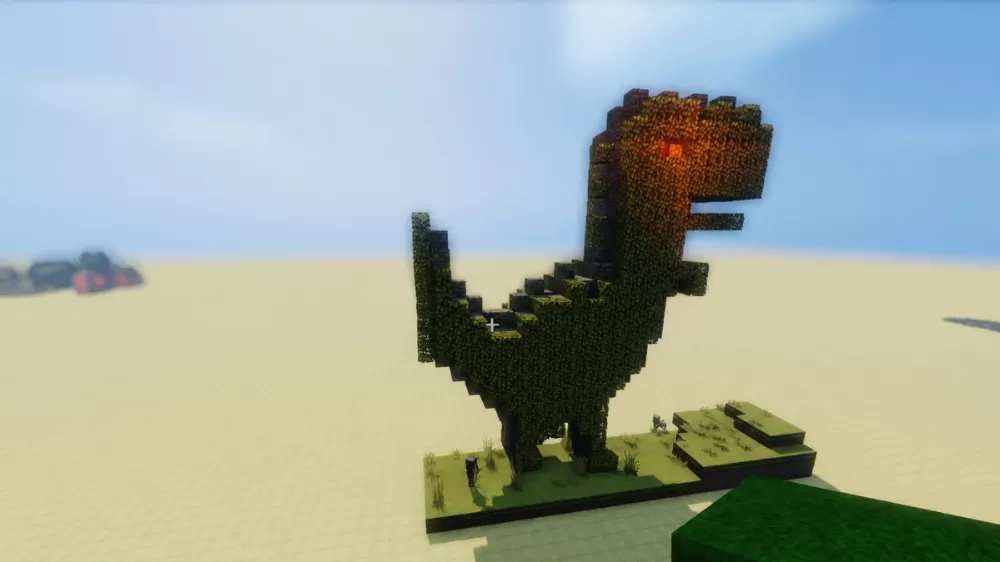
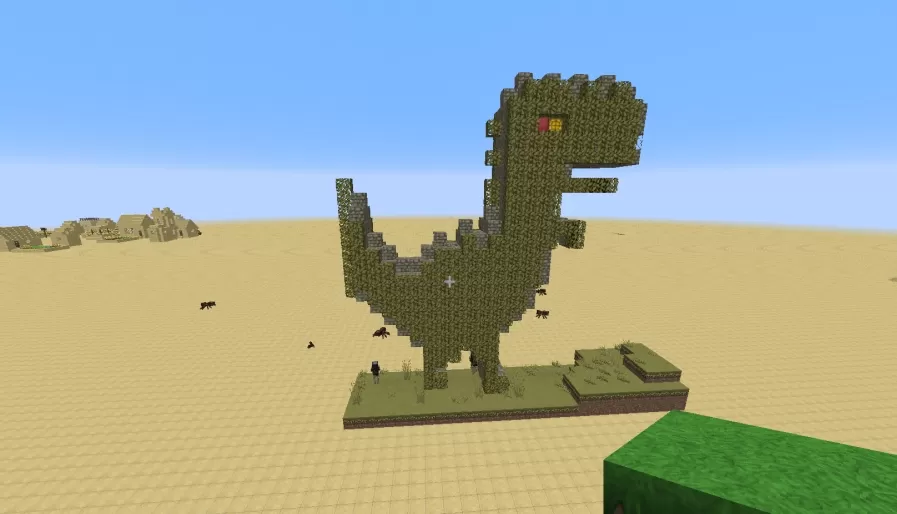
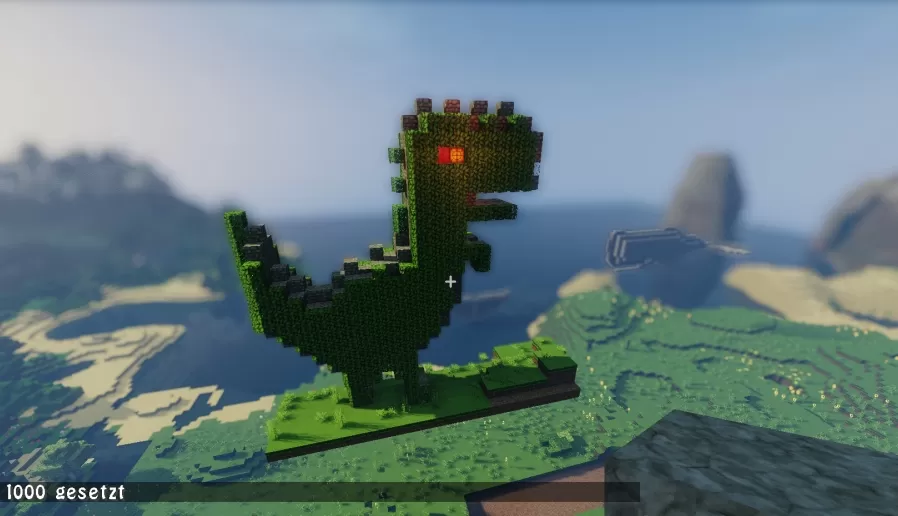
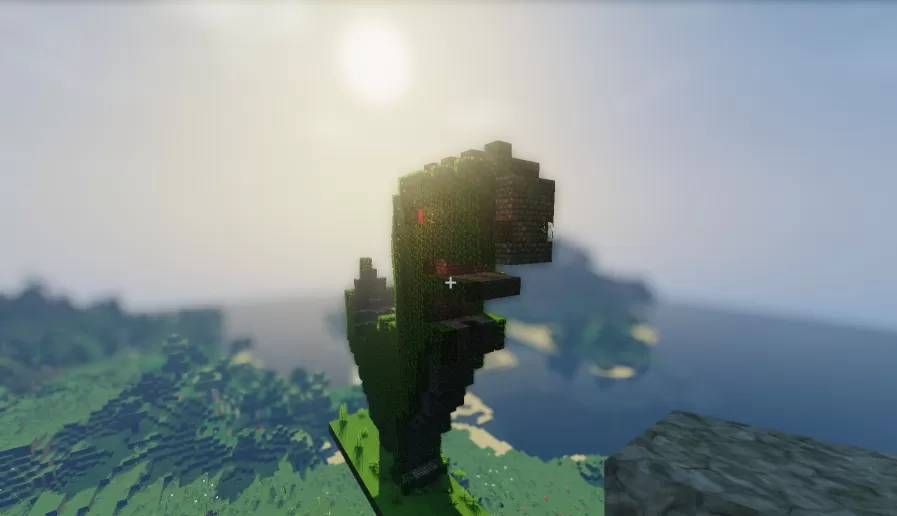
This schematic features a large-scale Tyrannosaurus Rex statue constructed primarily from cactus blocks that create a textured, spiky exterior resembling dinosaur skin. The T-Rex stands in a classic upright posture with its characteristic tiny arms extended forward, a massive head with glowing orange eyes, and a thick tail that balances the forward-leaning body. The construction captures the iconic silhouette of the prehistoric predator with blocky geometry that translates the dinosaur's powerful build into Minecraft form. The statue sits on a simple grass and dirt platform base that provides stable foundation for the structure.
The use of cactus blocks throughout gives the dinosaur a unique green texture with natural prickly detailing that adds visual interest and dimension to the build. The scale of the statue makes it an imposing presence suitable as a landmark or centerpiece in various world types. This schematic works excellently for prehistoric-themed builds, natural history museum exhibits, dinosaur parks, adventure maps with Jurassic themes, or as an eye-catching monument in survival worlds. The straightforward construction using primarily one block type makes it recognizable while the massive size ensures visibility from great distances, perfect for servers looking for distinctive landmarks or creative worlds focused on paleontology and prehistoric life.
The use of cactus blocks throughout gives the dinosaur a unique green texture with natural prickly detailing that adds visual interest and dimension to the build. The scale of the statue makes it an imposing presence suitable as a landmark or centerpiece in various world types. This schematic works excellently for prehistoric-themed builds, natural history museum exhibits, dinosaur parks, adventure maps with Jurassic themes, or as an eye-catching monument in survival worlds. The straightforward construction using primarily one block type makes it recognizable while the massive size ensures visibility from great distances, perfect for servers looking for distinctive landmarks or creative worlds focused on paleontology and prehistoric life.
Download: T-Rex schematic for Minecraft
| Format | Size | Use with | |
|---|---|---|---|
.litematic t-rex.litematic |
34.19 KB | Litematica (Java) — more Litematica schematics |
|
.schem t-rex.schem |
893.00 B | WorldEdit / FAWE |
|
.schematic t-rex.schematic |
883.00 B | Legacy / online installer |
|
| Install this build directly on your Minecraft map |
|
||
Auto-converted from the original format; container contents (chests, signs) may be missing.
📘 How to use with Litematica (click to expand)
- Put the downloaded
.litematicfile into the.minecraft/schematics/folder. - In game, press M to open the Litematica menu and choose Load Schematics.
- Select the file in the list and click Load Schematic.
- Position the placement where you want it and build — or paste it instantly in creative with Easy Place mode.
Requires the Litematica mod (Java Edition).
More builds: Litematica schematics.
Comments
Similar