Cocoa Bean Farm
Published on May 3, 2026
👁️🗨️ 1955
108
★
★
★
★
★
Rate it
Screenshots
Description
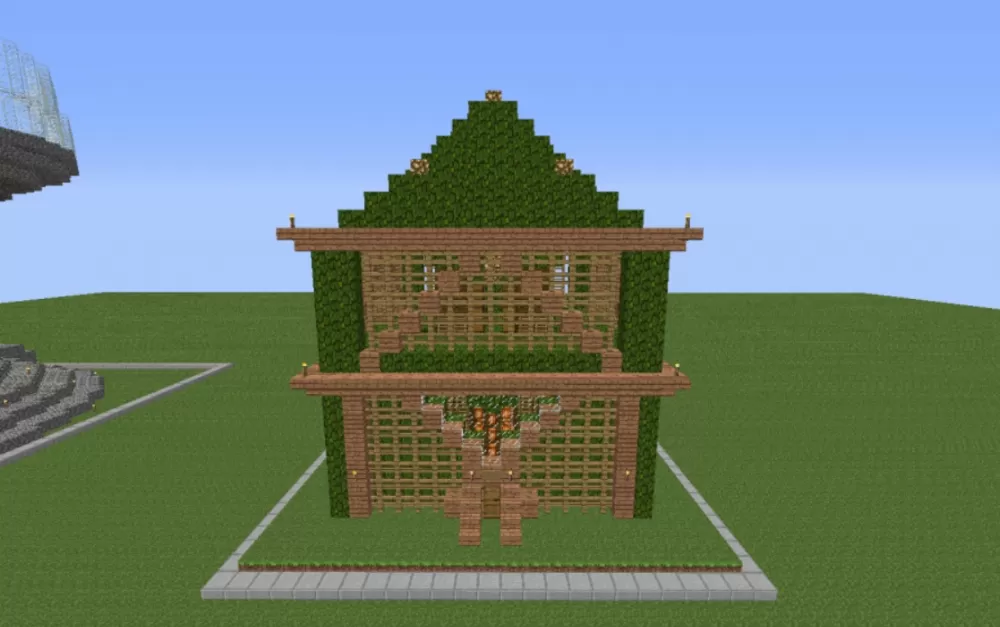
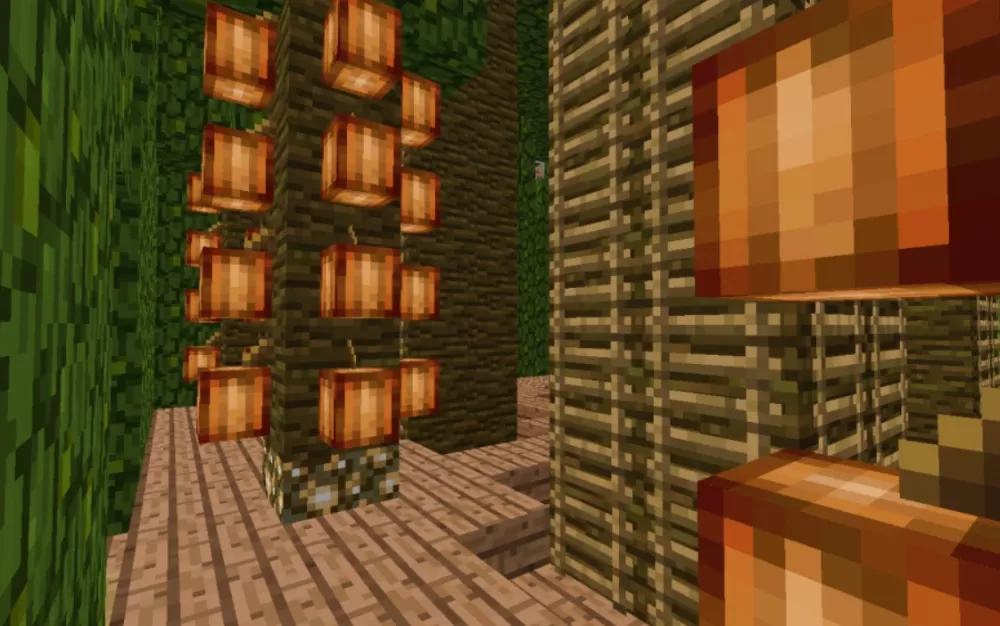
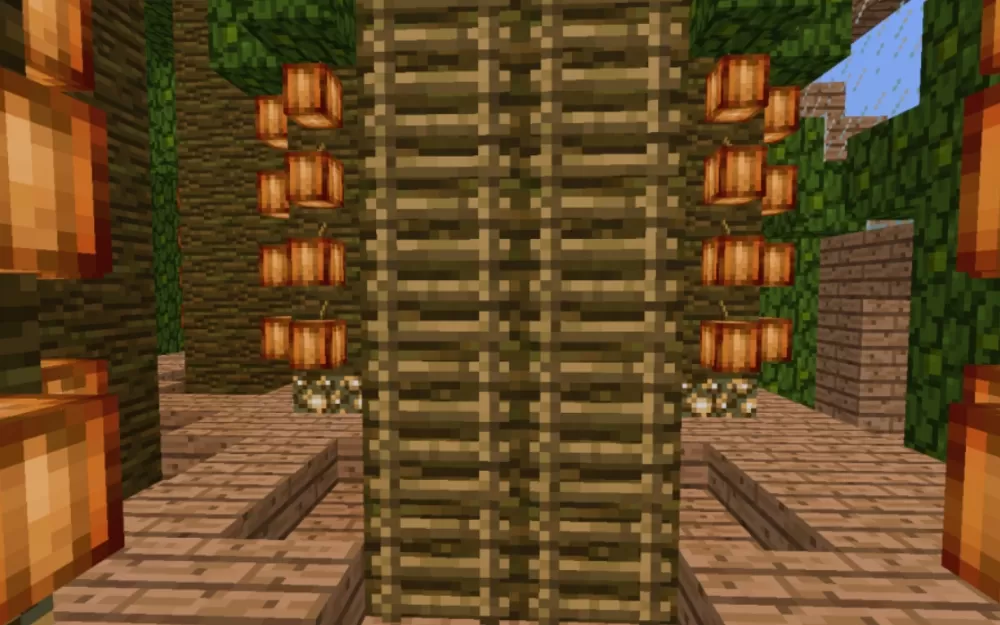
This schematic presents a functional cocoa bean farm housed within a decorative jungle-themed structure. The building is constructed entirely from jungle wood materials including logs, planks, leaves, stairs, and slabs, creating an authentic tropical aesthetic that matches the natural habitat of cocoa plants. The exterior features a two-story design with a pyramidal leaf roof completely covered in jungle foliage, lattice-style wooden walls that allow light penetration for crop growth, and a front entrance accessed via wooden stairs. The structure sits on a grass plot surrounded by a stone brick border that defines the farm's perimeter.
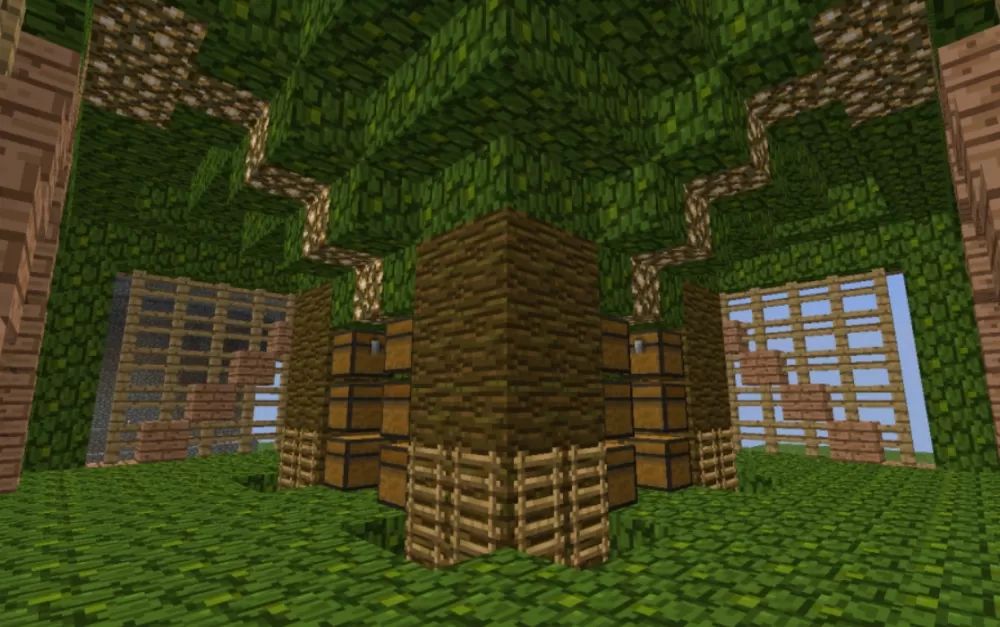
The interior contains nine vertical planting poles where cocoa beans can be grown on all four sides of each pole, maximizing the growing space within the compact footprint. Four wider corner pillars serve dual purposes as both structural support for the elevated storage room and as ladder access points to reach the upper level. The storage area on the second floor provides convenient space for collecting and organizing harvested beans, while decorative lanterns provide ambient lighting throughout the structure. This schematic works perfectly for survival farms where automated or manual cocoa production is needed, tropical-themed builds, or as part of larger plantation complexes. The efficient vertical growing system and integrated storage make it practical for resource gathering while the attractive jungle aesthetic ensures it looks natural in forest biomes or themed agricultural areas.
The interior contains nine vertical planting poles where cocoa beans can be grown on all four sides of each pole, maximizing the growing space within the compact footprint. Four wider corner pillars serve dual purposes as both structural support for the elevated storage room and as ladder access points to reach the upper level. The storage area on the second floor provides convenient space for collecting and organizing harvested beans, while decorative lanterns provide ambient lighting throughout the structure. This schematic works perfectly for survival farms where automated or manual cocoa production is needed, tropical-themed builds, or as part of larger plantation complexes. The efficient vertical growing system and integrated storage make it practical for resource gathering while the attractive jungle aesthetic ensures it looks natural in forest biomes or themed agricultural areas.
Download: Cocoa Bean Farm schematic for Minecraft
| Format | Size | Use with | |
|---|---|---|---|
.litematic cocoa-bean-farm.litematic |
35.72 KB | Litematica (Java) — more Litematica schematics |
|
.schem cocoa-bean-farm.schem |
1.86 KB | WorldEdit / FAWE |
|
.schematic cocoa-bean-farm.schematic |
2.42 KB | Legacy / online installer |
|
| Install this build directly on your Minecraft map |
|
||
Auto-converted from the original format; container contents (chests, signs) may be missing.
📘 How to use with Litematica (click to expand)
- Put the downloaded
.litematicfile into the.minecraft/schematics/folder. - In game, press M to open the Litematica menu and choose Load Schematics.
- Select the file in the list and click Load Schematic.
- Position the placement where you want it and build — or paste it instantly in creative with Easy Place mode.
Requires the Litematica mod (Java Edition).
More builds: Litematica schematics.
Comments
Similar