Little Shop
Published on March 27, 2026
👁️🗨️ 5442
622
★
★
★
★
★
Rate it
Screenshots
Description
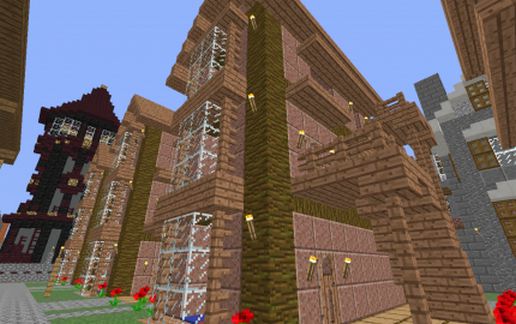
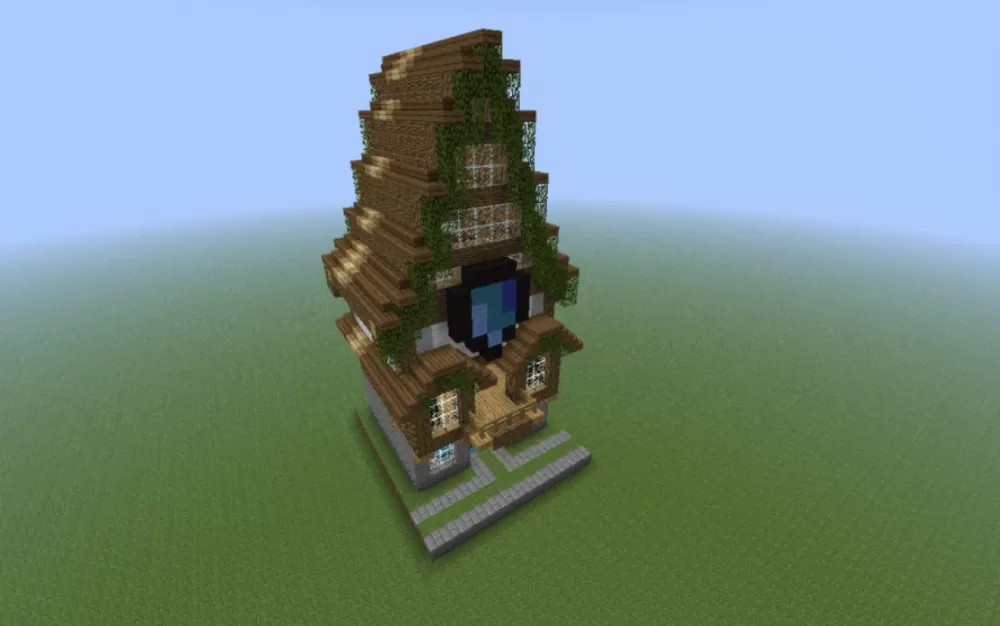
This schematic features a compact medieval-style shop building constructed with oak and spruce wood planking, designed with a distinctive asymmetric tower structure that maximizes vertical space while maintaining a small footprint. The building measures 13 blocks wide by 15 blocks deep and rises 28 blocks tall, creating an eye-catching multi-story design perfect for tight urban spaces or village market districts. The exterior showcases charming details including overhanging upper floors, glass-pane windows at multiple levels, vine-covered walls that add organic character, and a stone brick foundation platform with stepped entrance. A blue banner hangs prominently near the entrance, marking the establishment as a place of commerce.
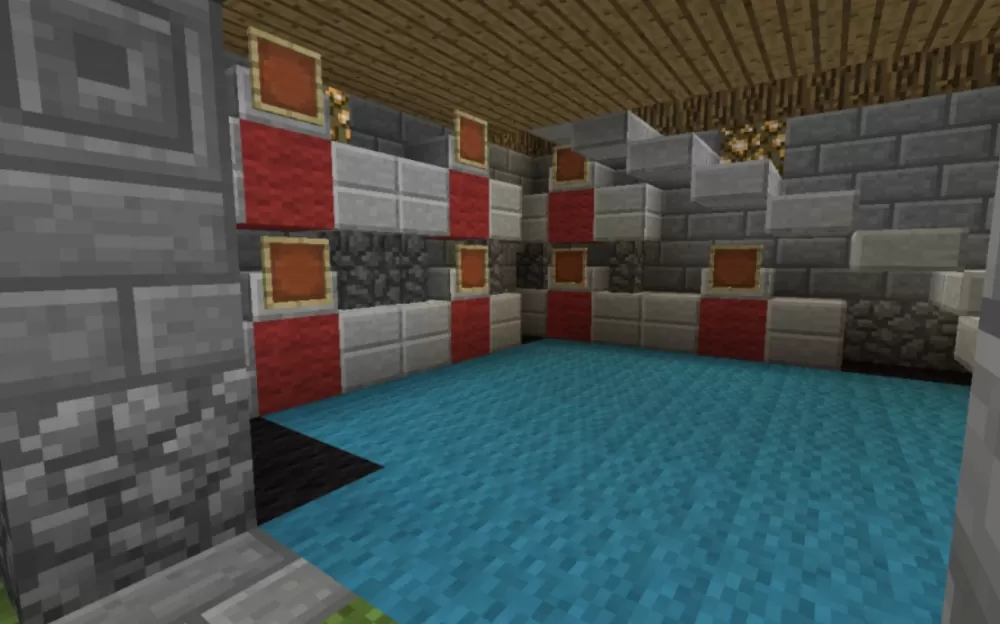
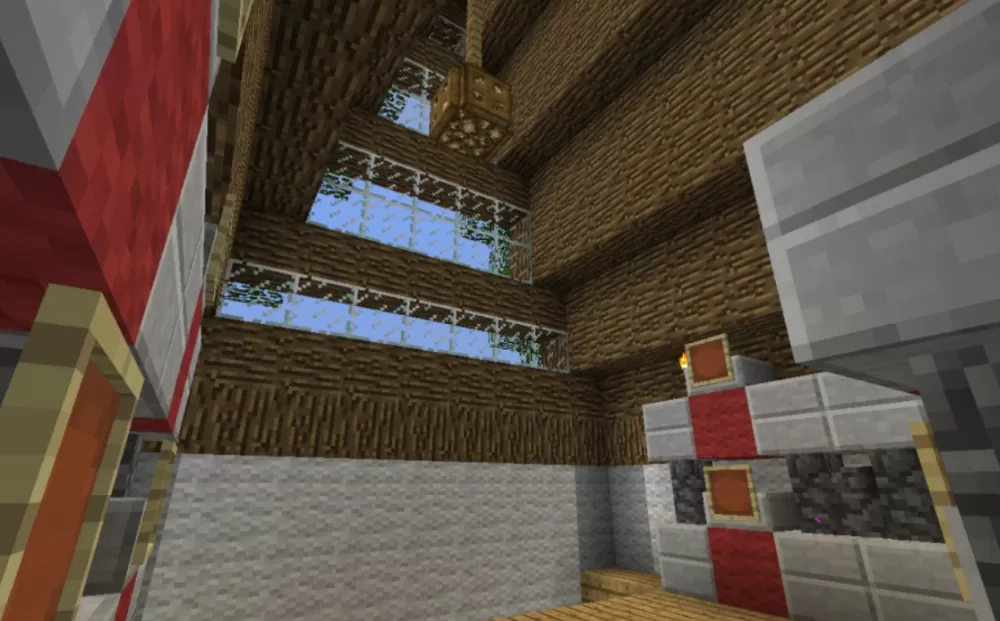
The interior is designed as a functional trading post with display stands capable of showcasing up to 25 different items for buying and selling. The shop's layout includes red wool accents on the display stands which can be easily recolored to create category systems or visual organization for different product types. The vertical design efficiently uses multiple floors to separate storage, display areas, and possibly living quarters, making it ideal for survival servers with economy plugins, roleplay towns, or marketplace builds where space efficiency matters. This schematic works perfectly as a general store, specialty shop, or merchant's establishment in medieval villages, castle towns, or fantasy trading districts.
The interior is designed as a functional trading post with display stands capable of showcasing up to 25 different items for buying and selling. The shop's layout includes red wool accents on the display stands which can be easily recolored to create category systems or visual organization for different product types. The vertical design efficiently uses multiple floors to separate storage, display areas, and possibly living quarters, making it ideal for survival servers with economy plugins, roleplay towns, or marketplace builds where space efficiency matters. This schematic works perfectly as a general store, specialty shop, or merchant's establishment in medieval villages, castle towns, or fantasy trading districts.
Download: Little Shop schematic for Minecraft
| Format | Size | Use with | |
|---|---|---|---|
.litematic little-shop.litematic |
35.19 KB | Litematica (Java) — more Litematica schematics |
|
.schem little-shop.schem |
1.55 KB | WorldEdit / FAWE |
|
.schematic little-shop.schematic |
2.21 KB | Legacy / online installer |
|
| Install this build directly on your Minecraft map |
|
||
Auto-converted from the original format; container contents (chests, signs) may be missing.
📘 How to use with Litematica (click to expand)
- Put the downloaded
.litematicfile into the.minecraft/schematics/folder. - In game, press M to open the Litematica menu and choose Load Schematics.
- Select the file in the list and click Load Schematic.
- Position the placement where you want it and build — or paste it instantly in creative with Easy Place mode.
Requires the Litematica mod (Java Edition).
More builds: Litematica schematics.
Comments
Similar