Quartz Mansion
Published on December 8, 2025
👁️🗨️ 8470
1999
★
★
★
★
★
Rate it
Screenshots
Description
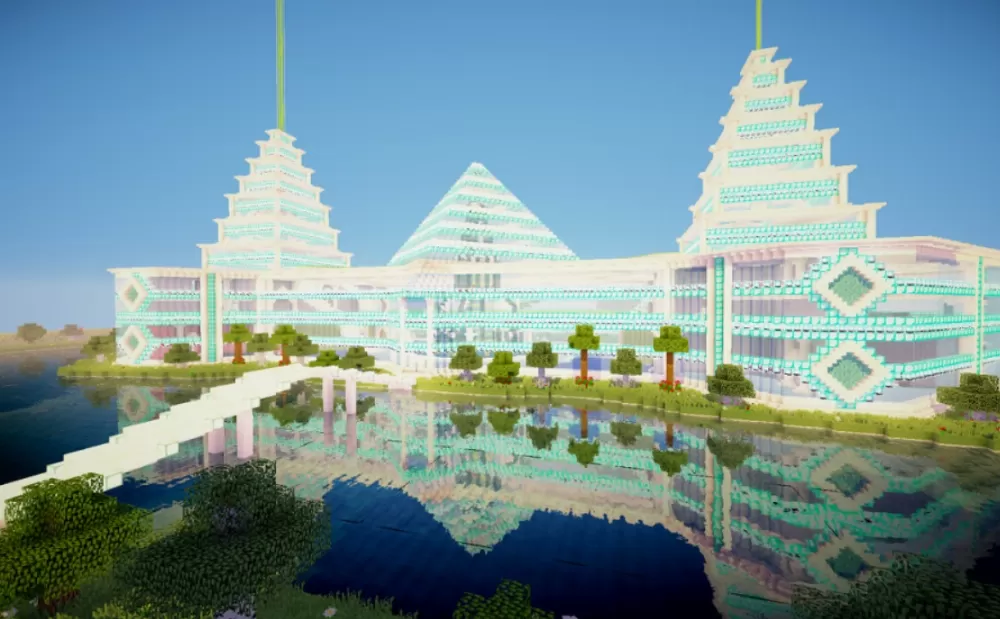
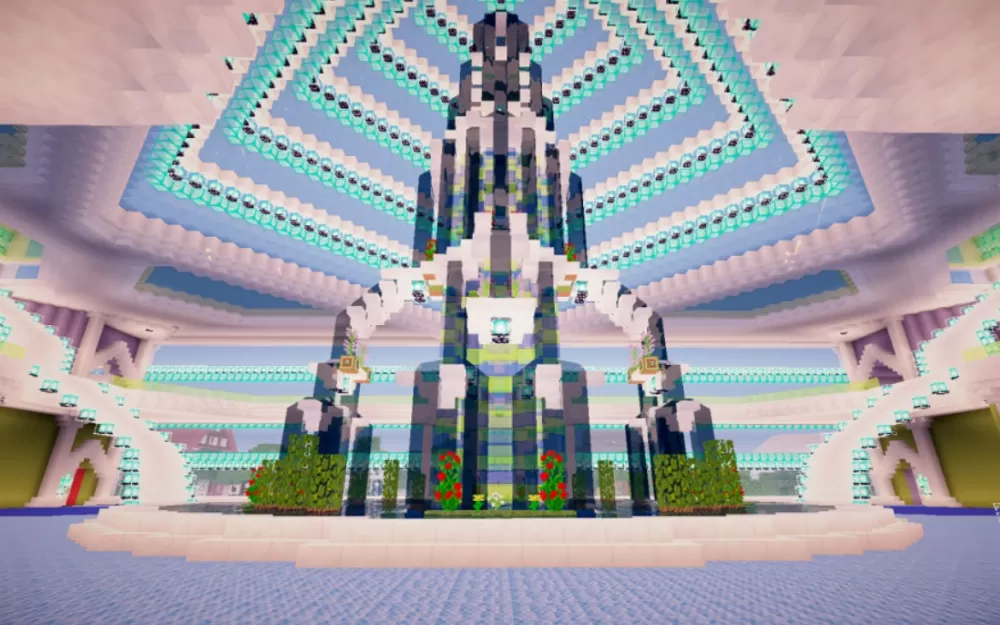
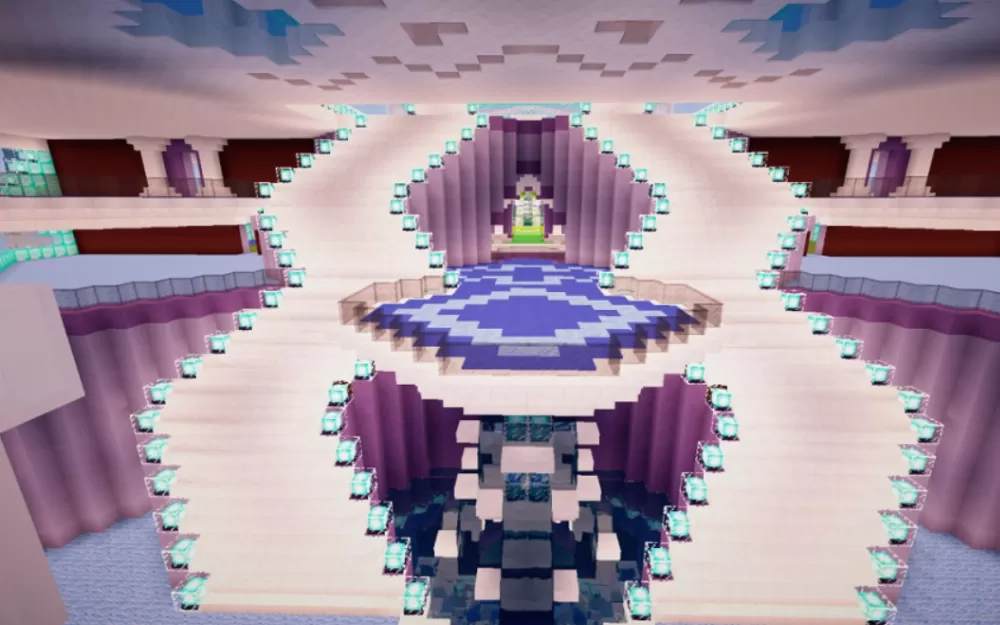
This magnificent Quartz Mansion schematic showcases an architectural masterpiece built primarily with white quartz and accented with striking cyan diamond block details. Measuring 341 blocks in length and 206 blocks in width, the structure features multiple distinctive towers with tiered, pagoda-style roofs that create an impressive skyline. The symmetrical design includes elaborate decorative patterns throughout the facade, with diamond-shaped motifs and intricate banding that add visual depth to the pristine quartz construction.
The mansion sits on a waterfront location with perfectly mirrored reflections, demonstrating the build's attention to environmental placement and aesthetic presentation. The central connecting structures link three major tower sections, creating a cohesive compound with multiple wings for different purposes. Landscaped gardens with trees and pathways enhance the exterior grounds, while the massive scale provides ample interior space for custom room layouts, storage systems, or multiplayer facilities. The schematic's monumental footprint and luxury aesthetic make it ideal as a server spawn point, faction headquarters, or ultimate survival base for players seeking an opulent home that stands as a testament to their building prowess and resource gathering capabilities.
The mansion sits on a waterfront location with perfectly mirrored reflections, demonstrating the build's attention to environmental placement and aesthetic presentation. The central connecting structures link three major tower sections, creating a cohesive compound with multiple wings for different purposes. Landscaped gardens with trees and pathways enhance the exterior grounds, while the massive scale provides ample interior space for custom room layouts, storage systems, or multiplayer facilities. The schematic's monumental footprint and luxury aesthetic make it ideal as a server spawn point, faction headquarters, or ultimate survival base for players seeking an opulent home that stands as a testament to their building prowess and resource gathering capabilities.
Download: Quartz Mansion schematic for Minecraft
| Format | Size | Use with | |
|---|---|---|---|
.litematic quartz-mansion.litematic |
275.11 KB | Litematica (Java) — more Litematica schematics |
|
.schem quartz-mansion.schem |
97.50 KB | WorldEdit / FAWE |
|
.schematic quartz-mansion.schematic |
150.78 KB | Legacy / online installer |
|
| Install this build directly on your Minecraft map |
|
||
Auto-converted from the original format; container contents (chests, signs) may be missing.
📘 How to use with Litematica (click to expand)
- Put the downloaded
.litematicfile into the.minecraft/schematics/folder. - In game, press M to open the Litematica menu and choose Load Schematics.
- Select the file in the list and click Load Schematic.
- Position the placement where you want it and build — or paste it instantly in creative with Easy Place mode.
Requires the Litematica mod (Java Edition).
More builds: Litematica schematics.
Comments
Similar