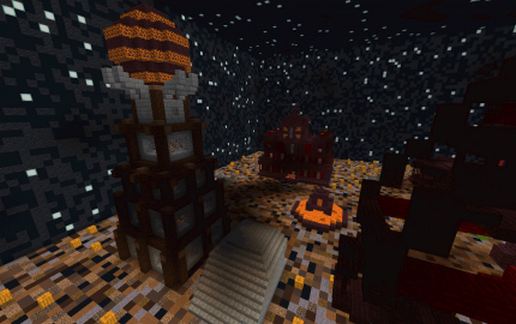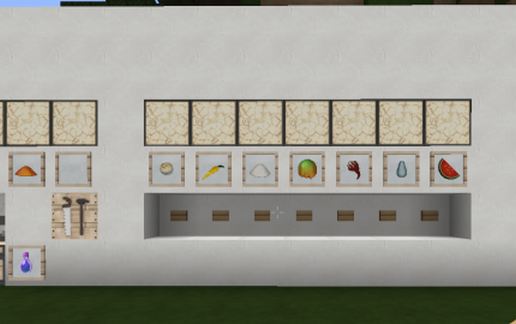
100% automatic potion factory
Published on January 1, 2023
By nico46
👁️🗨️ 7
2112
★
★
★
★
★
Rate it
Description
Choose the starting ingredient, choose between disposable potion, lengthen, or effect 2, the machine takes care of the rest, and at the end the spotion falls into the trunk and the machine starts to zero.
Download: 100% automatic potion factory schematic for Minecraft
| Format | Size | Use with | |
|---|---|---|---|
.litematic 100-automatic-potion-factory.litematic |
32.76 KB | Litematica (Java) — more Litematica schematics |
|
.schem 100-automatic-potion-factory.schem |
1.28 KB | WorldEdit / FAWE |
|
.schematic 100-automatic-potion-factory.schematic |
1.28 KB | Legacy / online installer |
|
| Install this build directly on your Minecraft map |
|
||
Auto-converted from the original format; container contents (chests, signs) may be missing.
📘 How to use with Litematica (click to expand)
- Put the downloaded
.litematicfile into the.minecraft/schematics/folder. - In game, press M to open the Litematica menu and choose Load Schematics.
- Select the file in the list and click Load Schematic.
- Position the placement where you want it and build — or paste it instantly in creative with Easy Place mode.
Requires the Litematica mod (Java Edition).
More builds: Litematica schematics.
Comments
Similar