Minecraft launcher are software applications that are used to launch and manage the Minecraft game. A launcher is essentially a platform that allows you to access the game and its various features, such as different game modes, servers, mods, and resource packs.
Picking the best Minecraft launcher usually comes down to one question: do you just want to click play, or do you want full control over mods, versions and instances? The official launcher covers the first case, while a growing list of third-party tools covers everything else, from massive modpacks to lightweight alternatives for older PCs.
Below is an updated rundown of the launchers worth trying in 2026. Some have been community staples for years, others have taken over after older projects stopped getting updates, so this list reflects what is actually still maintained right now.
Here are some of the best Minecraft launchers you can consider:
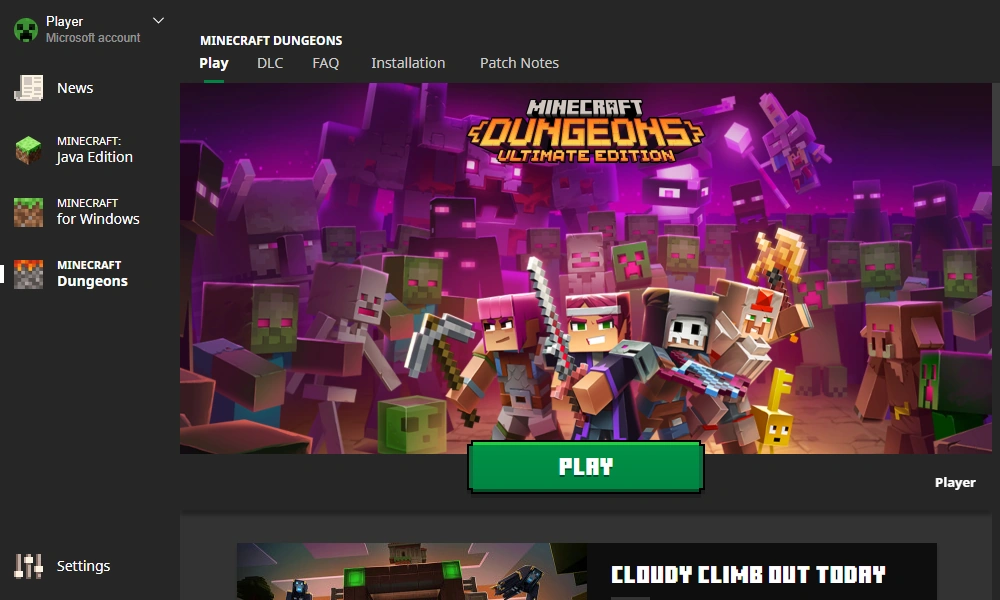
This is Mojang's own launcher, and it is still the simplest way to get into the game. It handles logins, updates and version switching automatically, which makes it the safest pick if you mostly play vanilla Minecraft without mods.
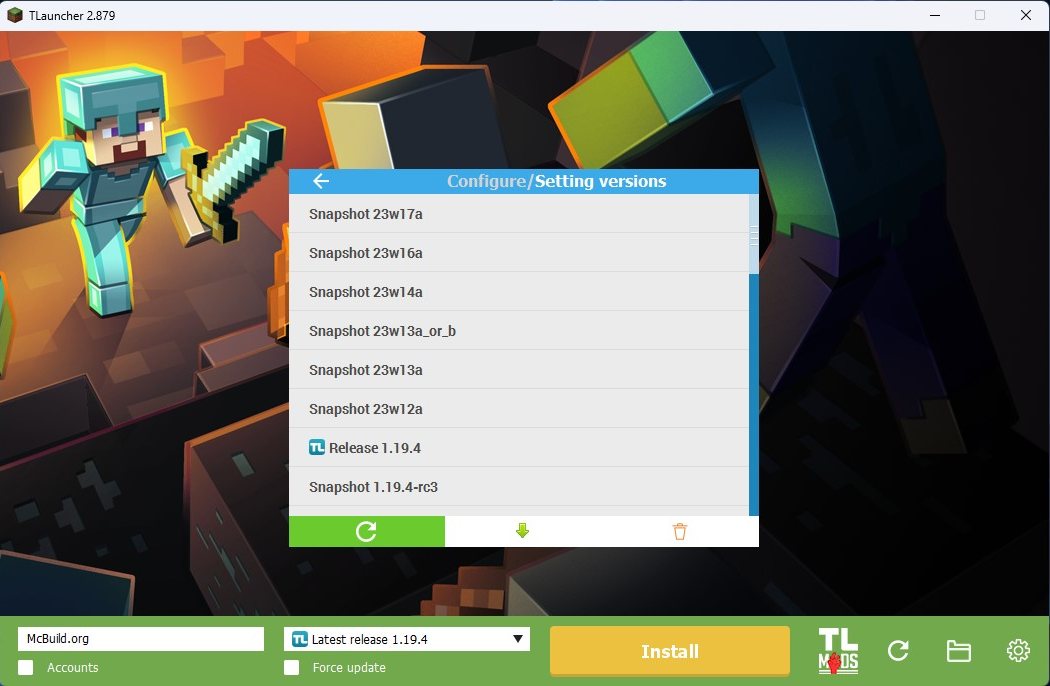
TLauncher remains one of the most downloaded third-party launchers, known for letting you run older versions, skins and mods without much setup. It is a popular choice for players who want flexibility without diving into complicated configuration menus.
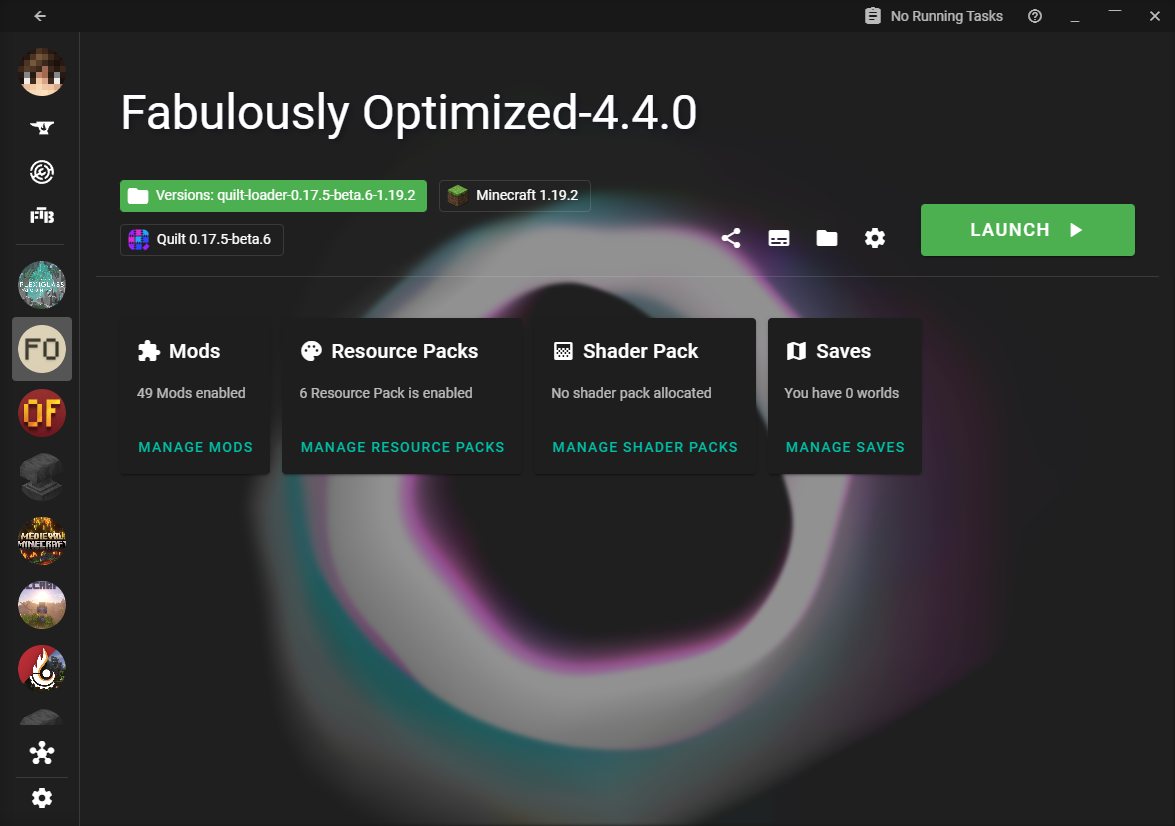
XMCL is built for players juggling a lot of content at once. It manages modpacks, resource packs, shader packs and mod loaders from one clean interface, and its CurseForge and Modrinth integration makes finding and installing new mods fairly painless.
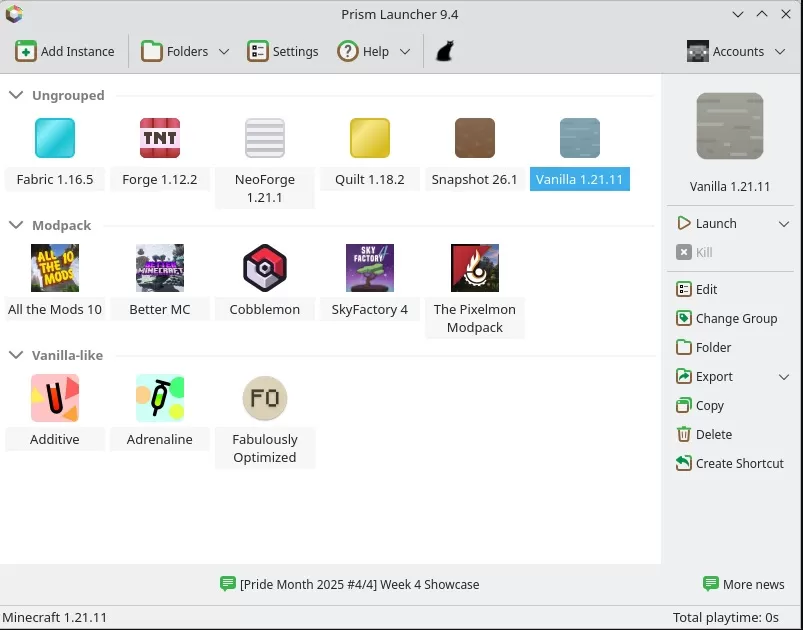
Prism Launcher has become the go-to open-source option for managing multiple Minecraft instances, taking over the role that MultiMC used to fill before that project stopped receiving active updates. It supports Forge, Fabric, Quilt and NeoForge, integrates with CurseForge and Modrinth, and lets you keep separate mod setups for different worlds or versions side by side.
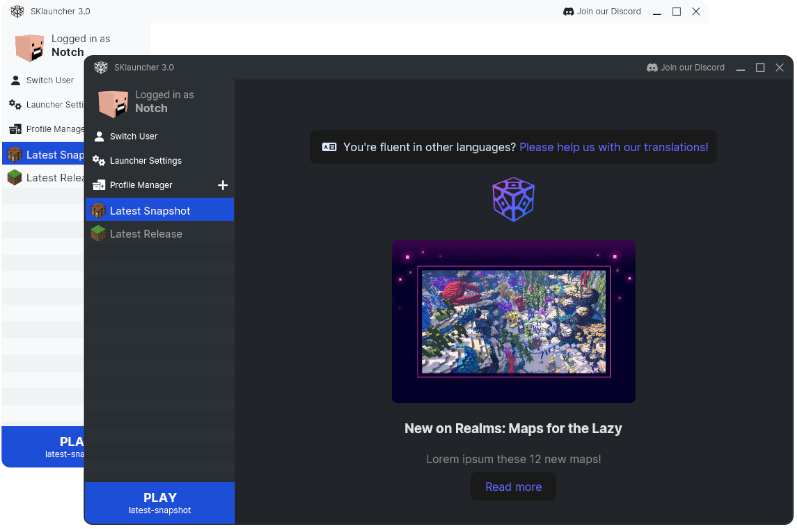
SKLauncher is a lightweight option that covers Minecraft versions from 1.5.2 up through modern releases. It supports Singleplayer, Multiplayer and Realms, and includes a built-in skin editor, so you can create a custom look without leaving the launcher.
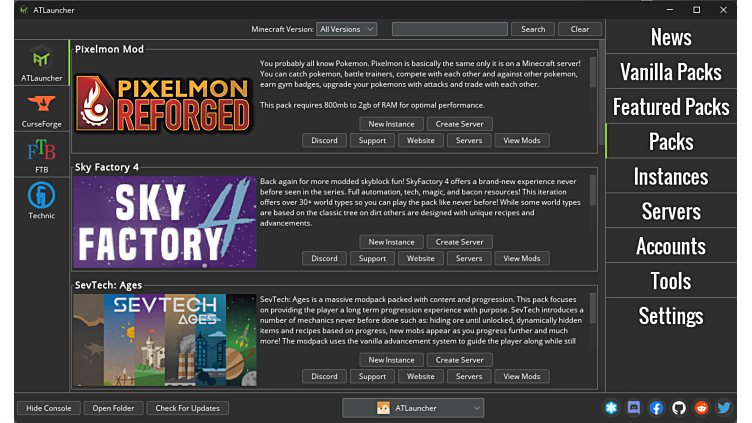
ATLauncher is built specifically around modpacks. Instead of installing mods one by one, you browse curated packs, install them directly, and switch the Minecraft version as needed without touching separate configuration files.
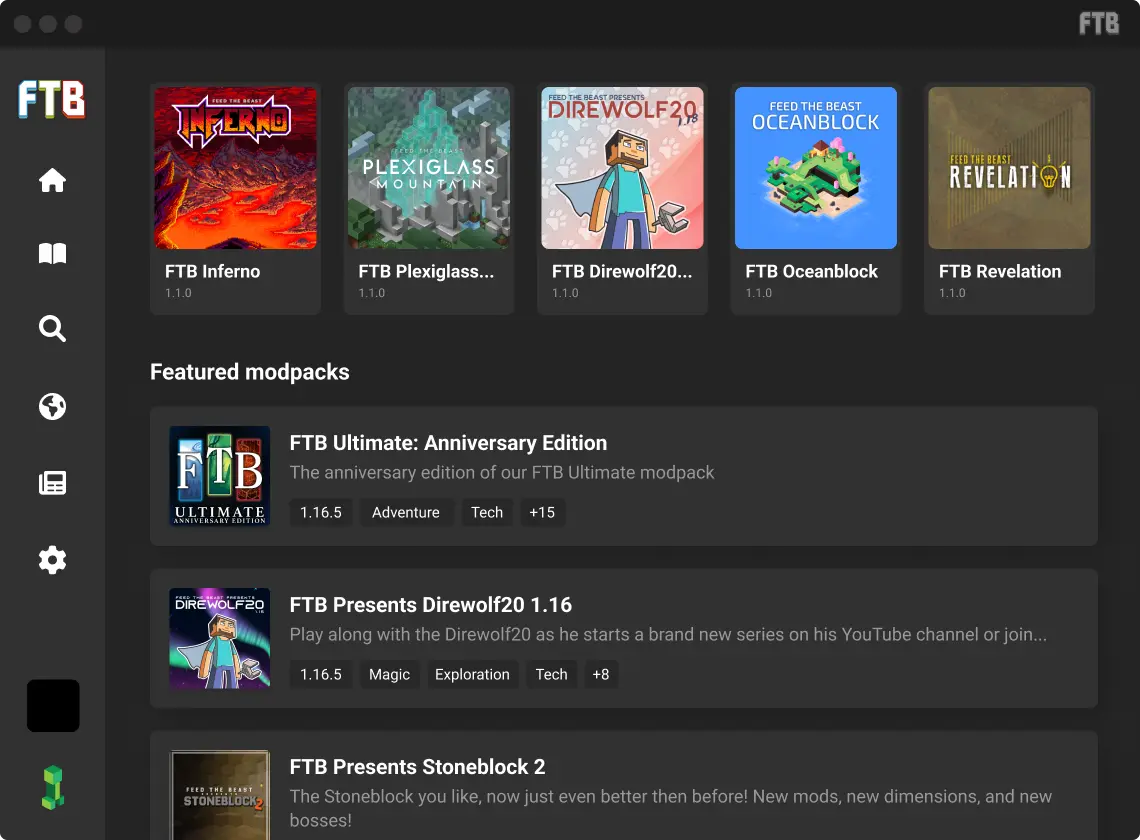
The FTB team's launcher comes preloaded with well-known modpacks like FTB Direwolf20 and FTB Revelation, and also lets you build your own from scratch. Automatic mod updates, compatibility checks and a built-in server browser make it easier to keep large modpacks running smoothly over time.
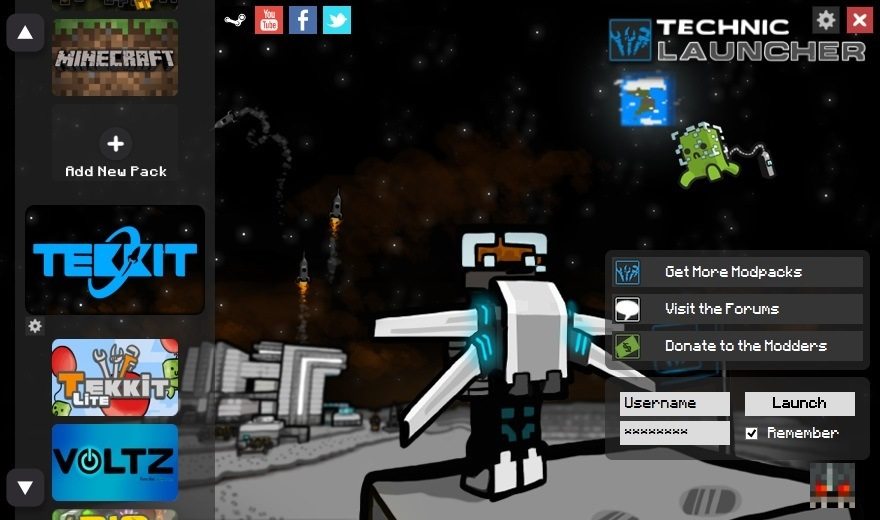
Technic focuses on the same modpack-first approach, with access to a library of over 10,000 packs. It is a solid pick if you already know which modpack you want and just need a straightforward way to install and launch it.
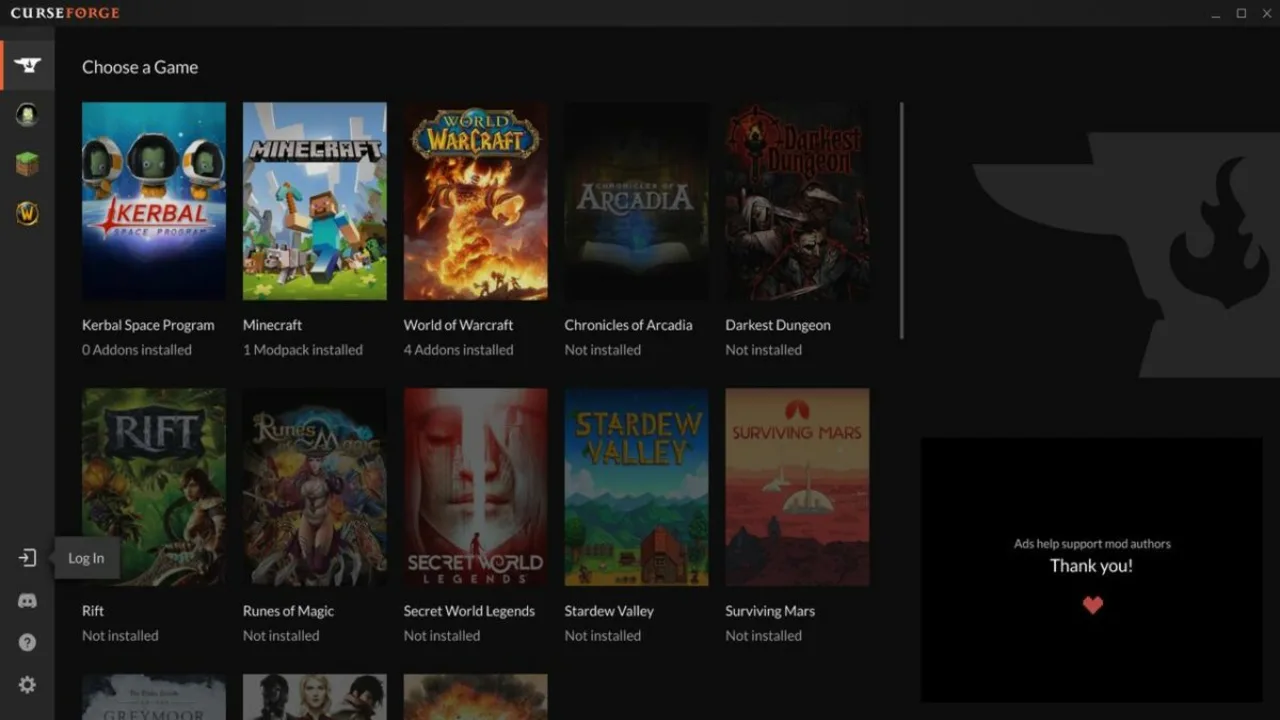
The CurseForge app, now run under Overwolf, is built around the CurseForge modpack and mod library. It lets you browse, install and manage both directly from the app, supports the latest Minecraft versions, and includes a broader set of graphics and instance settings for players running heavily modded setups.
Overall, the official launcher is still the easiest place to start, while Prism Launcher, ATLauncher and the CurseForge app cover most modding needs depending on how much control you want. There is no single best Minecraft launcher for everyone, but this list should make it easier to figure out which one actually fits how you play