Sydney Museum of Modern Art
Published on August 23, 2026
👁️🗨️ 1002
90
★
★
★
★
★
Rate it
Screenshots
Description
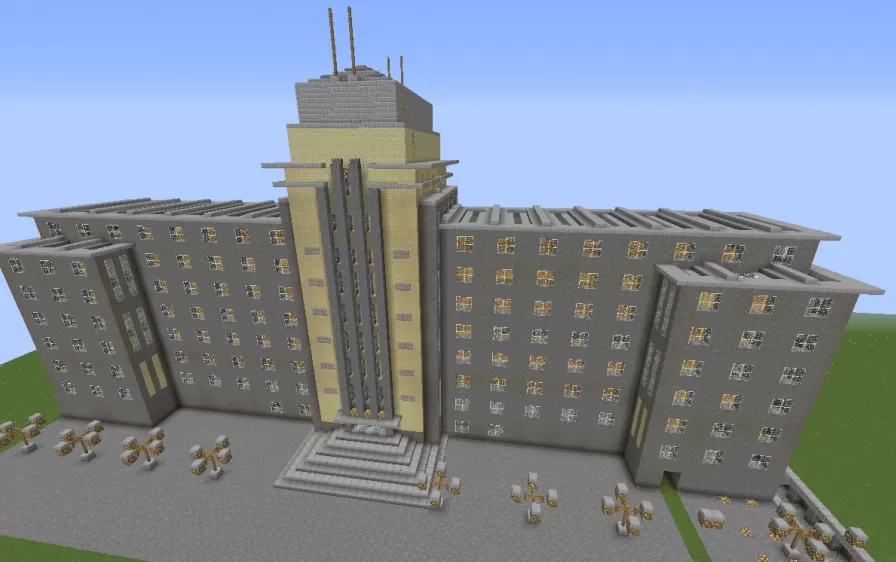
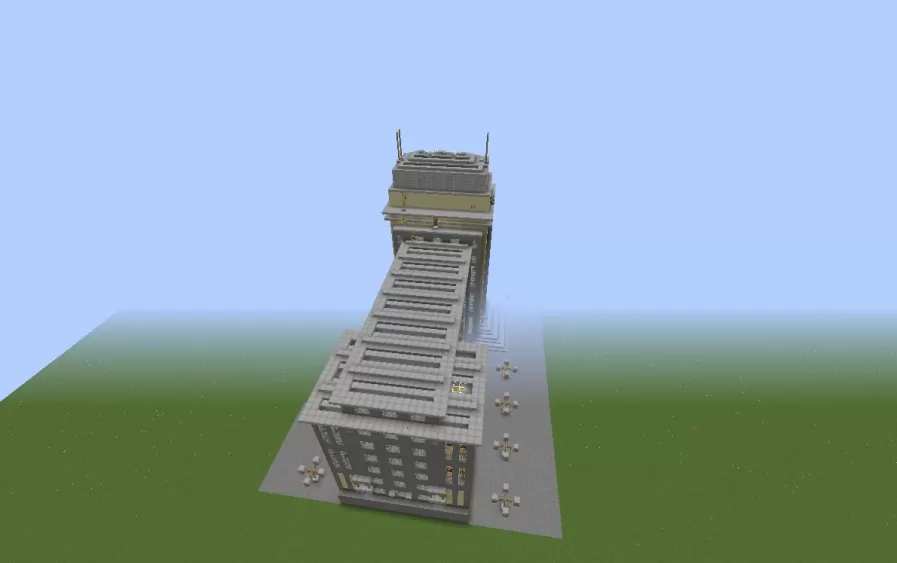
This schematic recreates the Sydney museum building on Circular Quay, modeled on the real Art Deco structure that houses the city's contemporary art collection. It captures the wide, symmetrical facade of the original in pale tan and gray blocks, with two long wings stretching out from a central section and squared end pavilions that step forward at each corner. Grids of evenly spaced windows march across every floor in the strict, orderly rhythm typical of the style, and a stepped cornice runs along the flat roofline to give the whole building a clean, monumental edge. Only the Art Deco half of the real museum is reproduced here, without the modern wing that sits alongside it in Sydney.
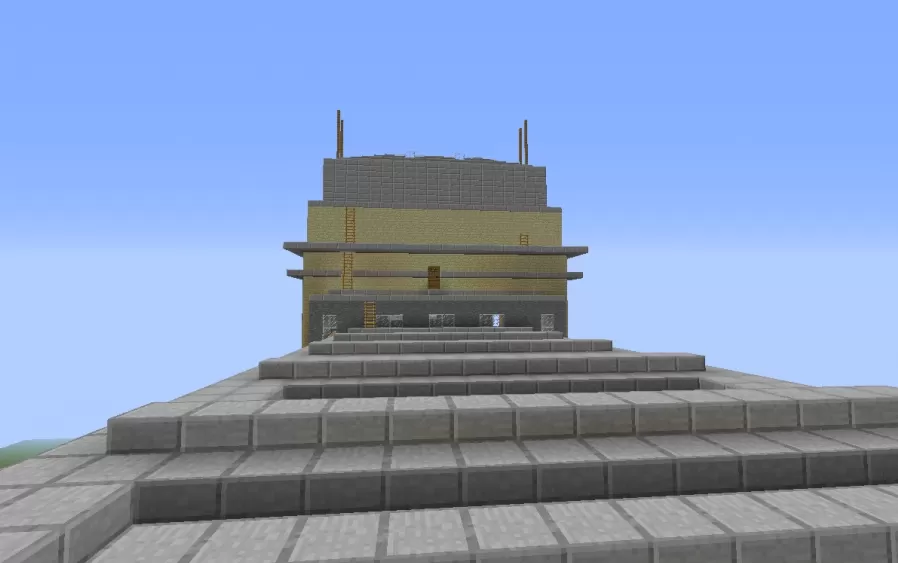
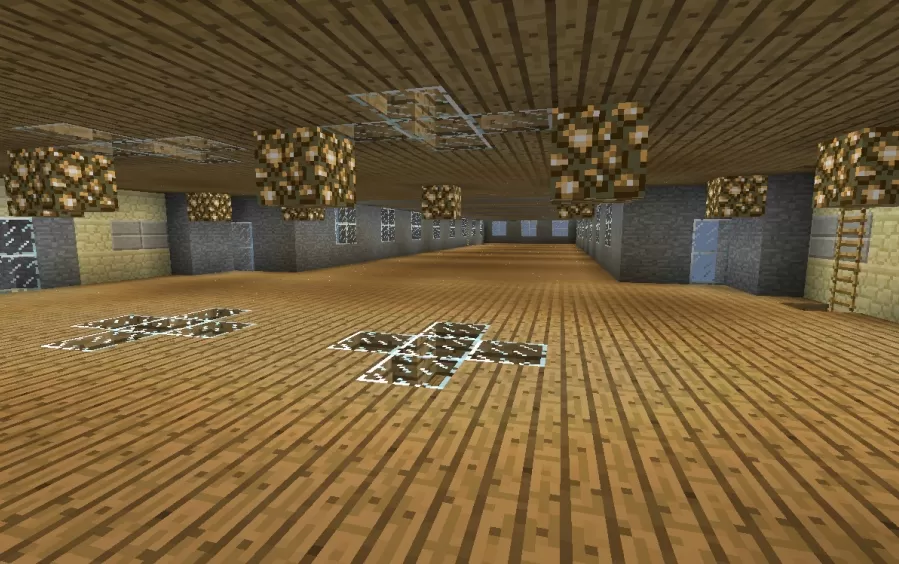
The centerpiece is the tower rising above the main entrance, its face decorated with tall vertical gold strips that draw the eye upward to a stepped crown topped with slender antenna spires. Below it, a broad flight of stairs climbs to the doorway, flanked by the same gold pilasters that anchor the center of the composition, while small decorative fixtures dot the paved plaza spreading out in front. Inside, the museum has been left mostly open, with bare floors stacked one above the next and no finished stairwell between them, giving builders a blank canvas to divide into galleries and connect with stairs of their own.
The centerpiece is the tower rising above the main entrance, its face decorated with tall vertical gold strips that draw the eye upward to a stepped crown topped with slender antenna spires. Below it, a broad flight of stairs climbs to the doorway, flanked by the same gold pilasters that anchor the center of the composition, while small decorative fixtures dot the paved plaza spreading out in front. Inside, the museum has been left mostly open, with bare floors stacked one above the next and no finished stairwell between them, giving builders a blank canvas to divide into galleries and connect with stairs of their own.
Download: Sydney Museum of Modern Art schematic for Minecraft
| Format | Size | Use with | |
|---|---|---|---|
.litematic sydney-museum-of-modern-art.litematic |
49.57 KB | Litematica (Java) — more Litematica schematics |
|
.schem sydney-museum-of-modern-art.schem |
5.96 KB | WorldEdit / FAWE |
|
.schematic sydney-museum-of-modern-art.schematic |
8.49 KB | Legacy / online installer |
|
| Install this build directly on your Minecraft map |
|
||
Auto-converted from the original format; container contents (chests, signs) may be missing.
📘 How to use with Litematica (click to expand)
- Put the downloaded
.litematicfile into the.minecraft/schematics/folder. - In game, press M to open the Litematica menu and choose Load Schematics.
- Select the file in the list and click Load Schematic.
- Position the placement where you want it and build — or paste it instantly in creative with Easy Place mode.
Requires the Litematica mod (Java Edition).
More builds: Litematica schematics.
Comments
Similar





i actually went here when i was 7, my aunt took me on the ferry and i remember the big windows where u can see the water and the bridge behind it. there was a room with a huge video playing and i sat on the floor for like 20 min even tho it was just someone walking in slow motion lol. my aunt told me not to touch the walls like 50 times and i still almost did. honestly i didnt get most of the art back then but the building itself was so cool. seeing it in minecraft is kinda weird and funny at the same time, u even got the front glass right. ima build it on the harbour in my world so it looks normal next to the water